
Reviewing an MNDA Against a Playbook with Talking Tree in Word
This tutorial shows how to create a legal playbook in the Talking Tree add-in for Microsoft Word and use it to run an automated, section-by-section review of a Mutual Non-Disclosure Agreement (MNDA).
1. Open the Playbooks Tab and Start a New Playbook
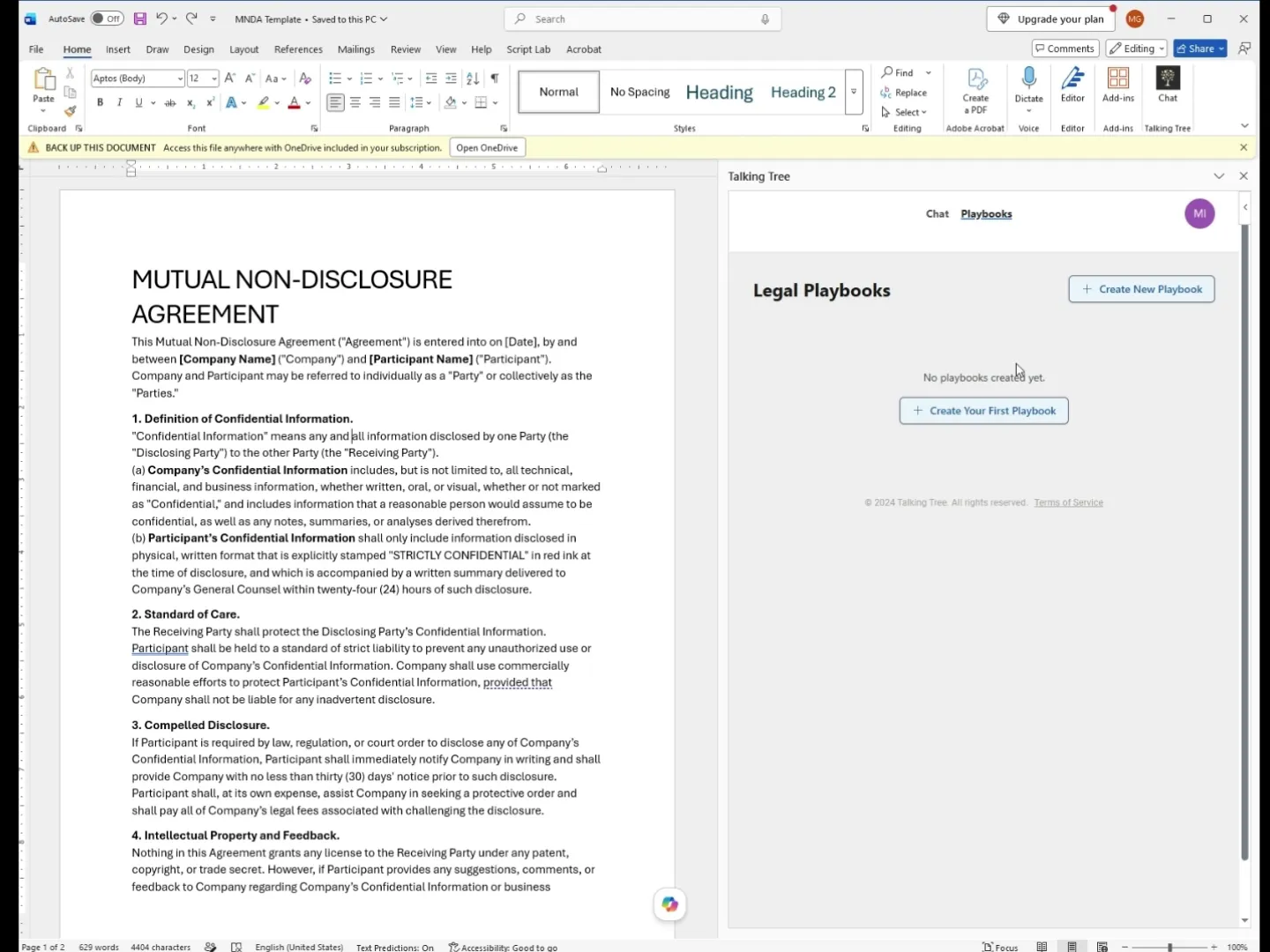
With your MNDA template open in Word and the Talking Tree pane visible, switch to the Playbooks tab. Click Create New Playbook to begin defining your negotiation standards.
2. Name the Playbook
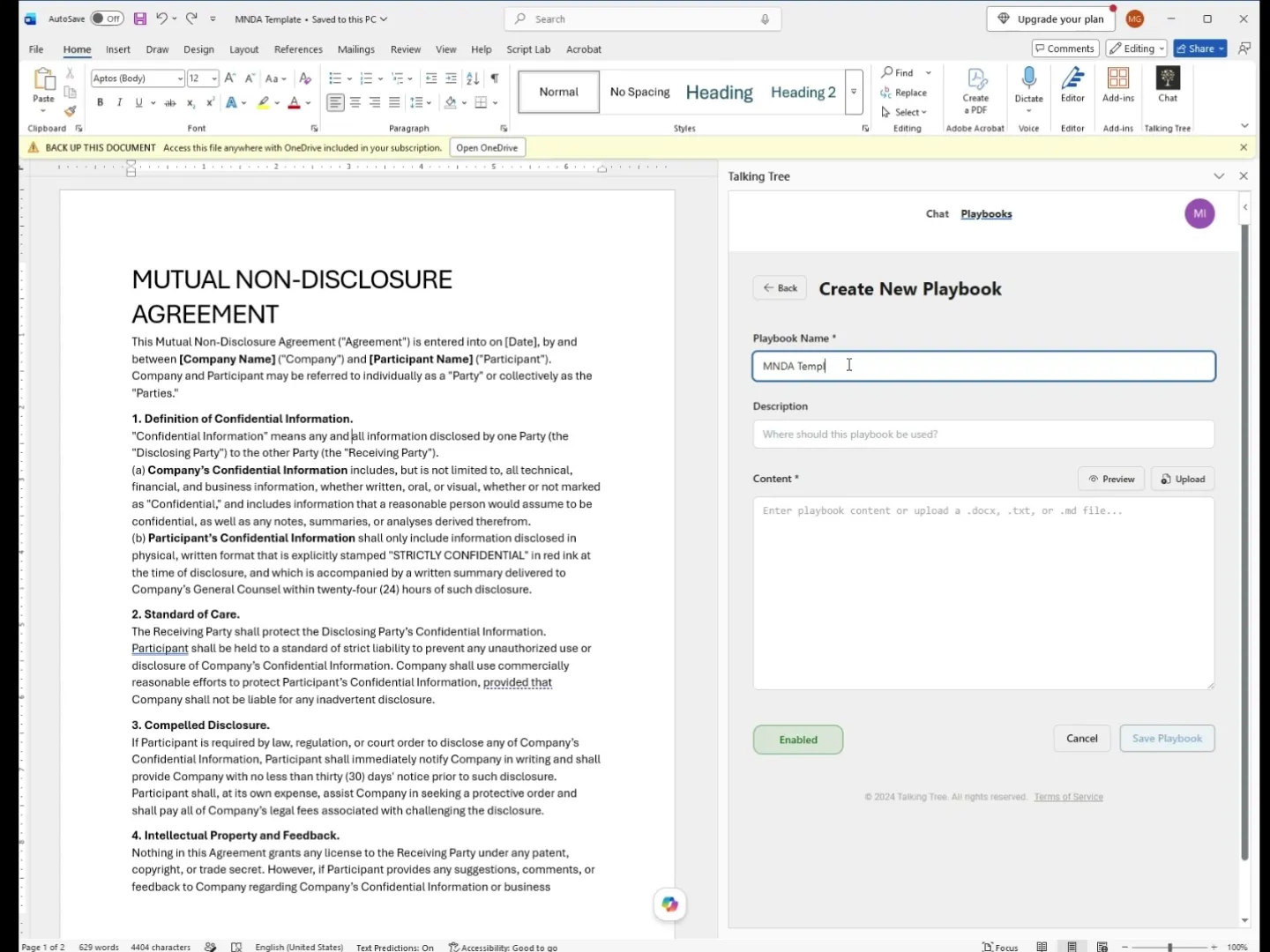
In the Playbook Name field, enter a clear, descriptive name such as "MNDA Template" so you can identify it later.
3. Describe When to Use the Playbook
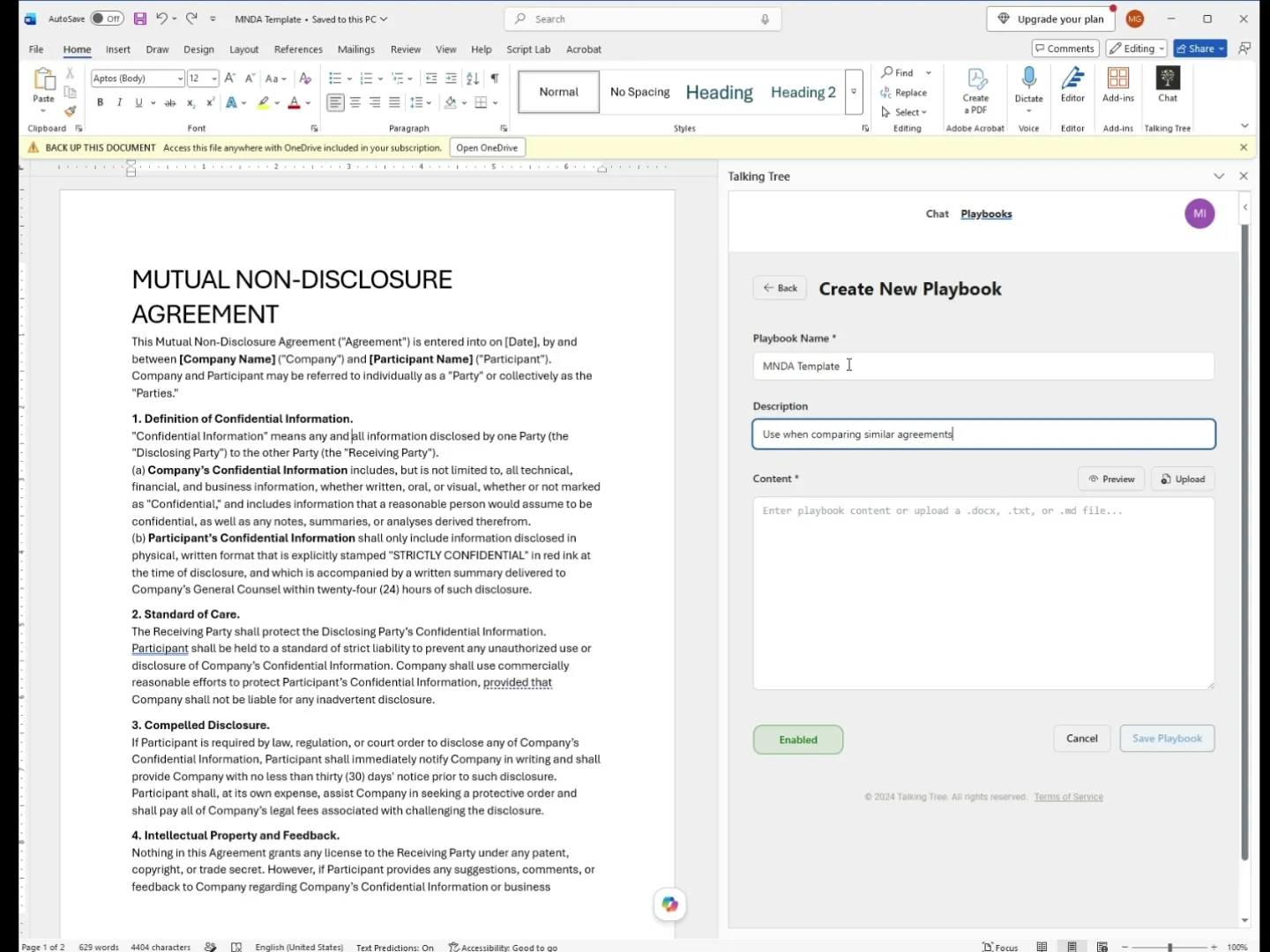
In the Description field, add a short note on when the playbook applies, for example "Use when comparing similar agreements."
4. Add the Playbook Content
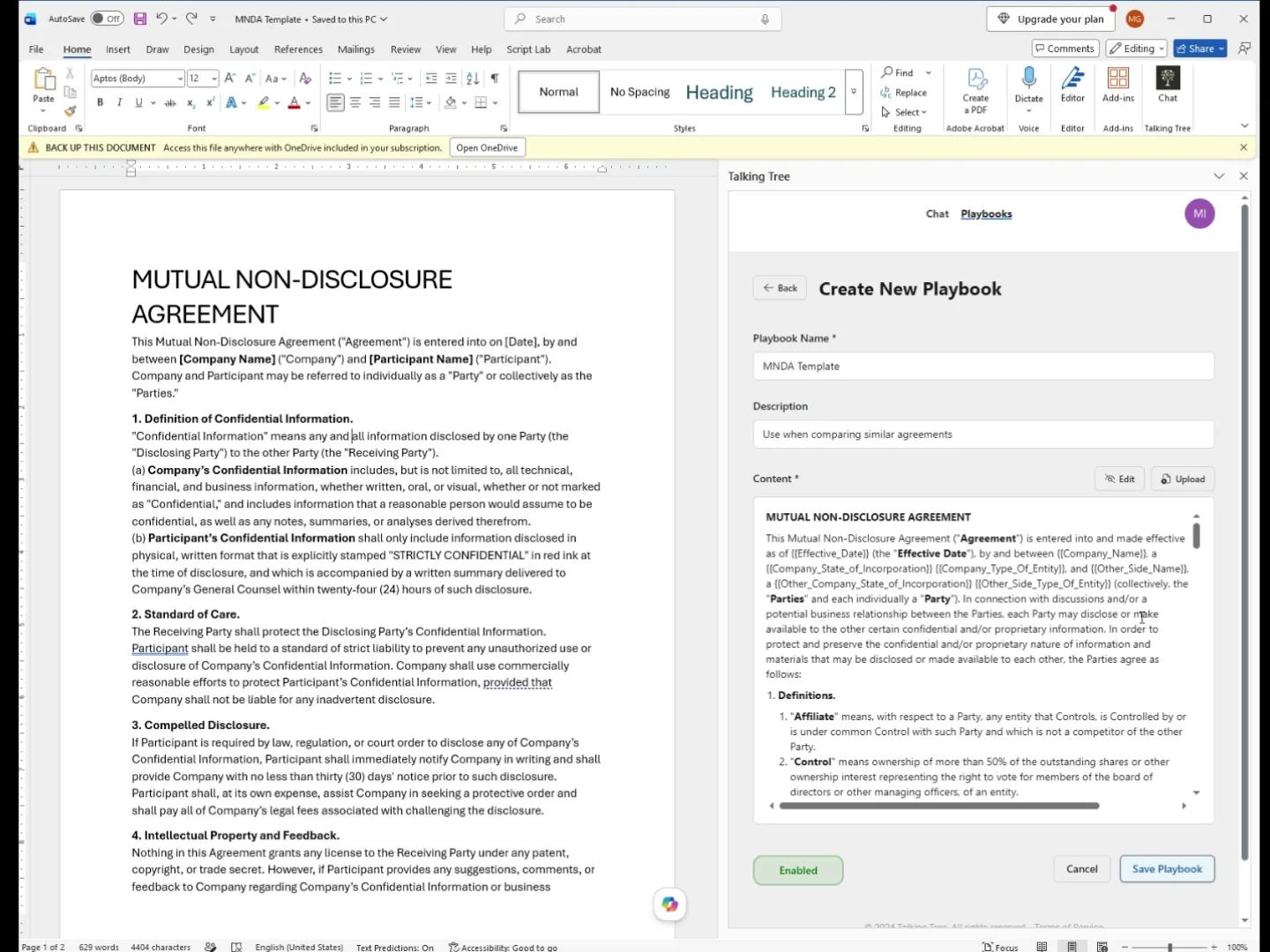
Paste or upload your standard MNDA language into the Content field. This becomes the baseline Talking Tree will compare incoming contracts against.
5. Save the Playbook
Click Save Playbook. The new "MNDA Template" playbook now appears in your Legal Playbooks list, marked as Enabled.
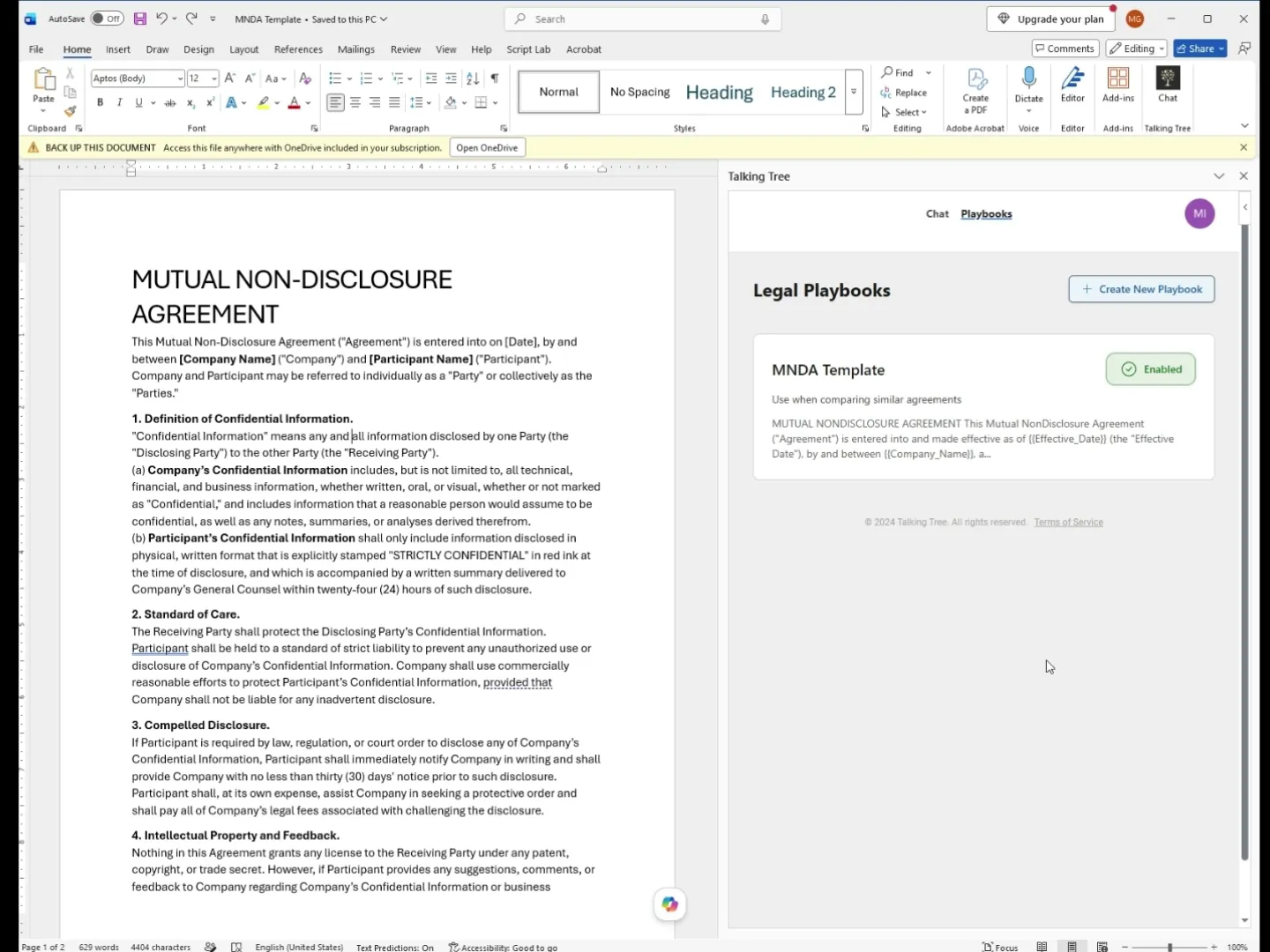
6. Return to the Chat Tab
Switch back to the Chat tab to start a review. Talking Tree displays quick-start options like Analyze Redlines, Assess Contract Risks, and Document Review.
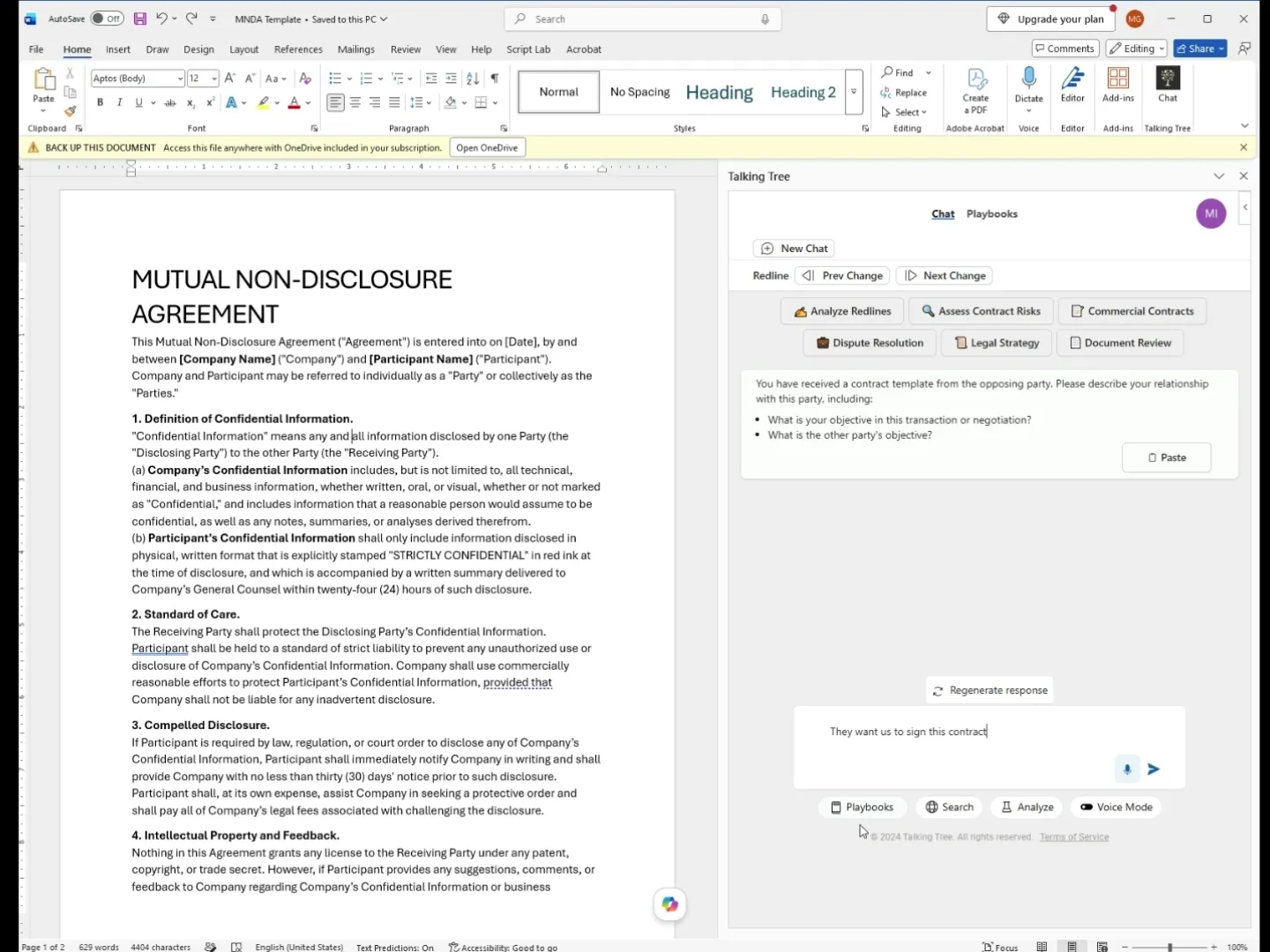
7. Attach the Playbook and Describe the Situation
Click Playbooks to attach the "MNDA Template" playbook to the conversation, then type context about the request, such as "They want us to sign this contract."
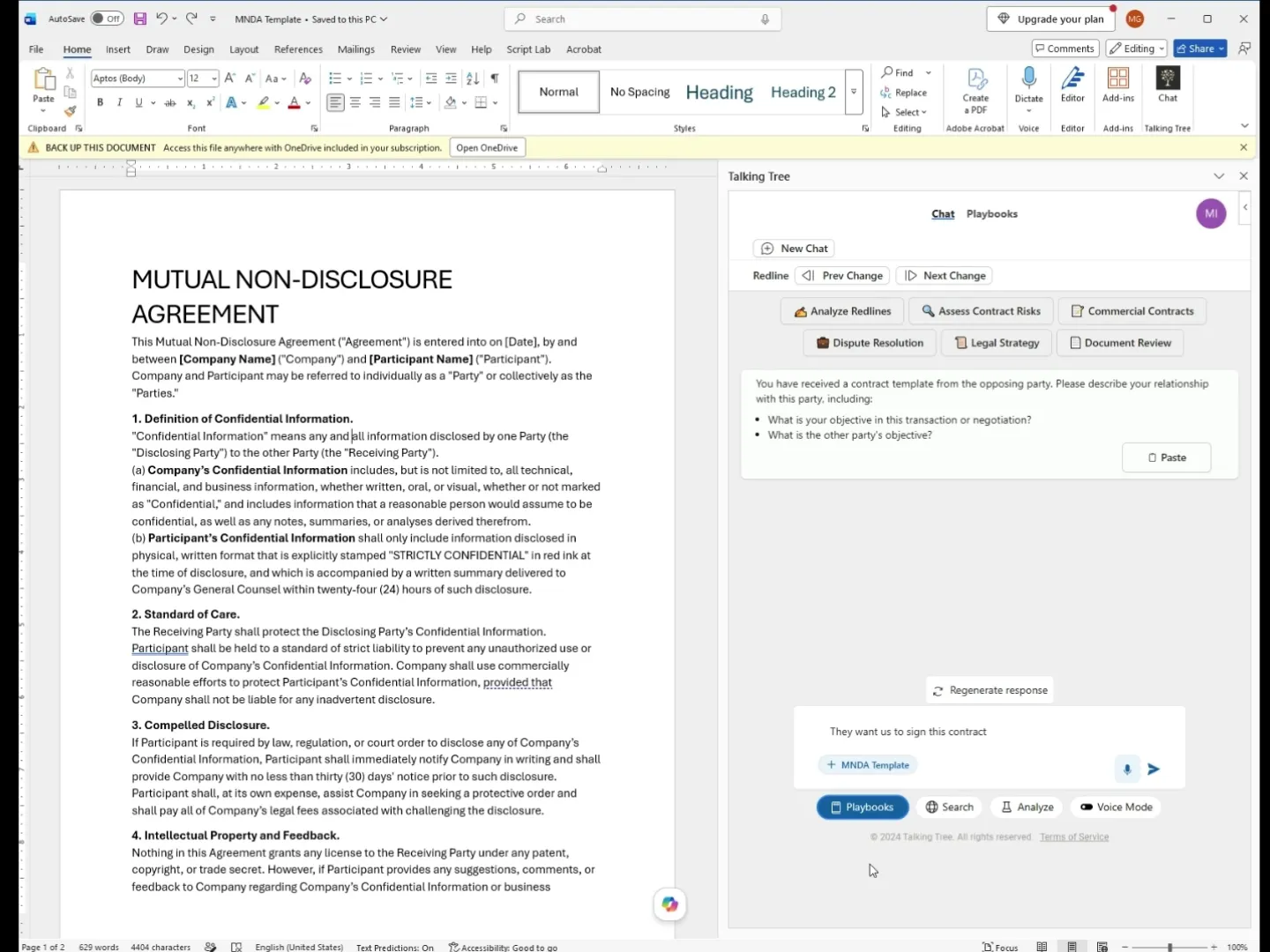
8. Generate the Playbook-Based Analysis
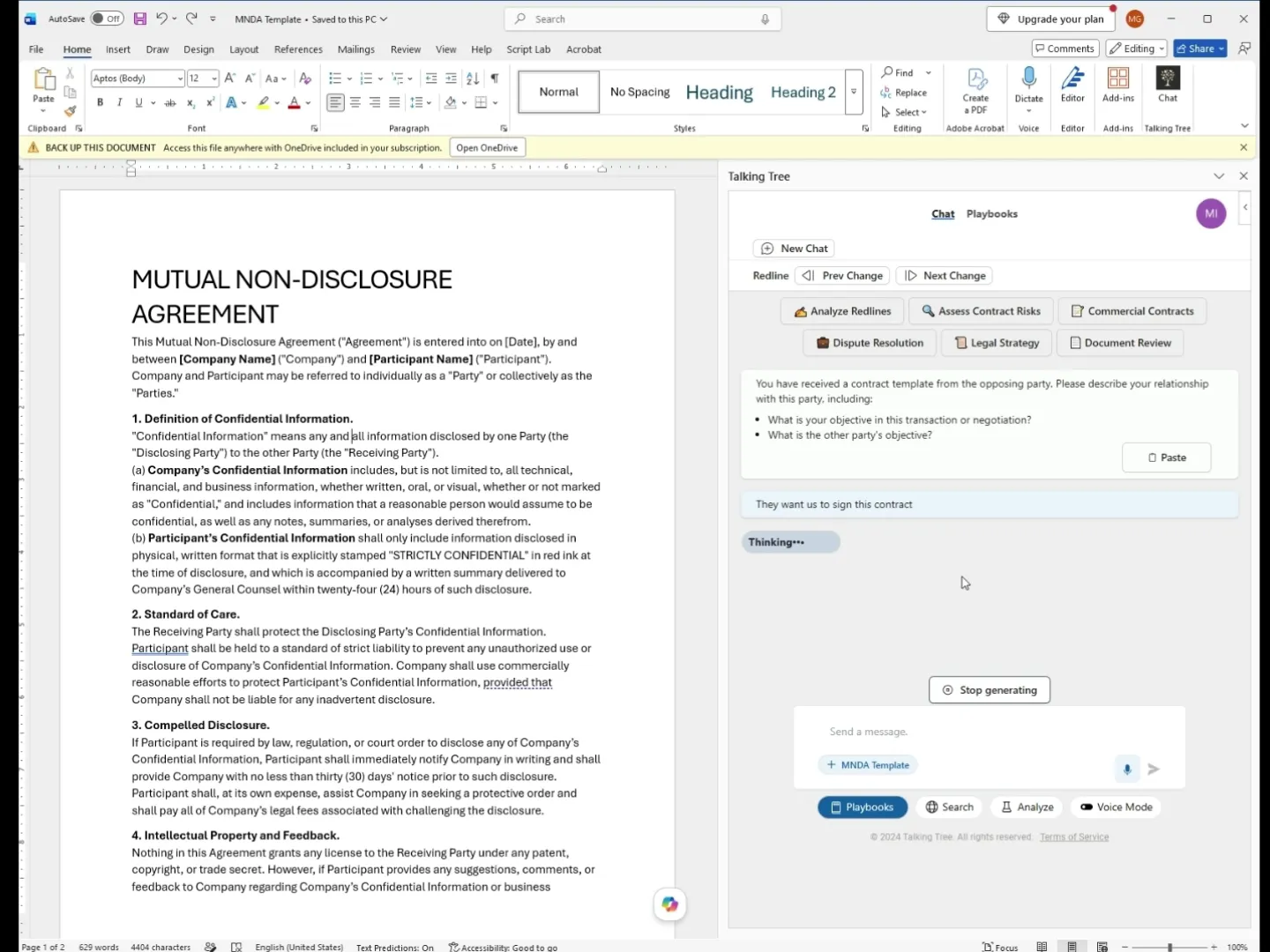
Send the message. Talking Tree analyzes the open MNDA against the attached playbook and begins generating a section-by-section comparison.
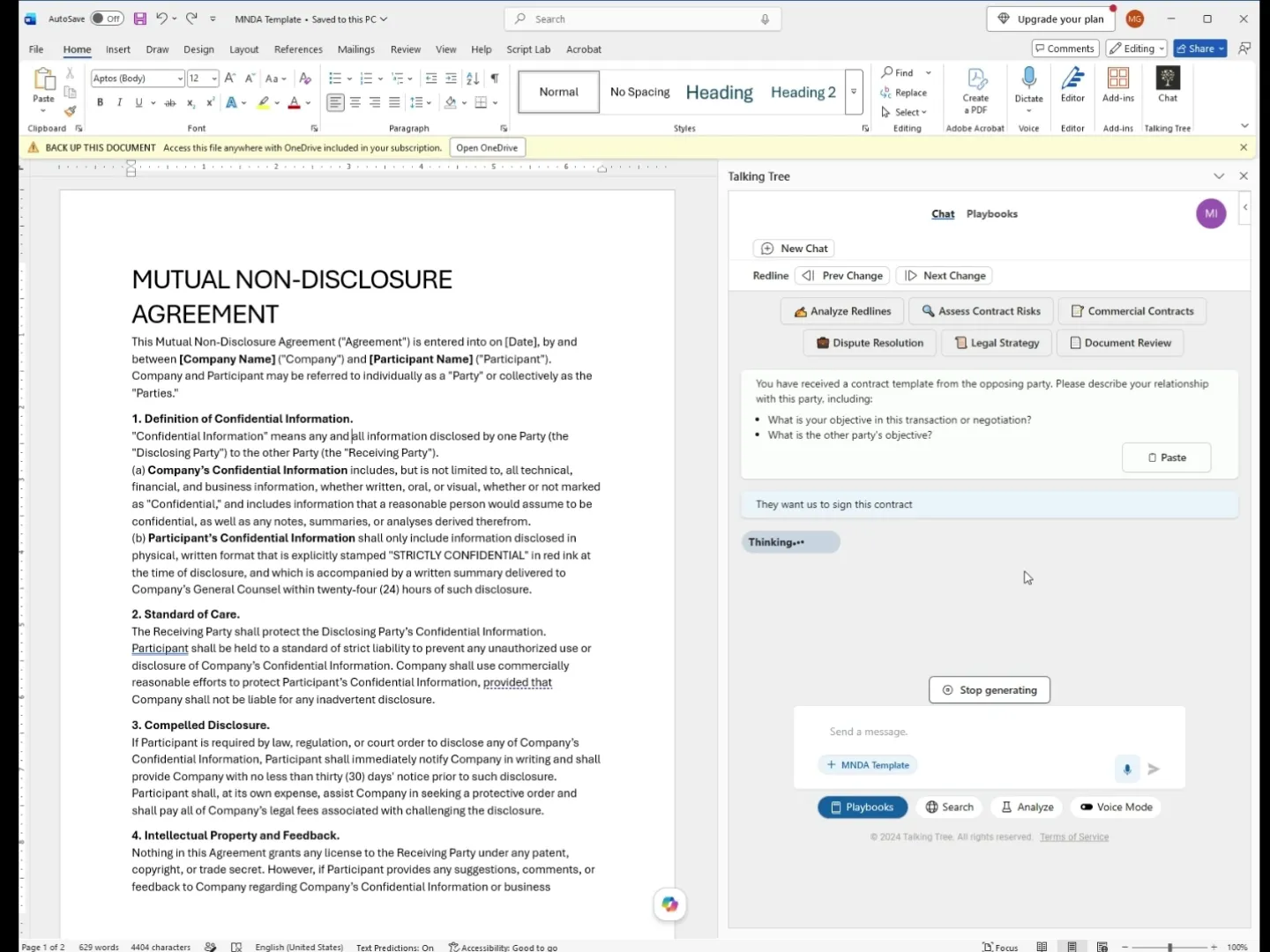
9. Review Risks in the Confidentiality Definition
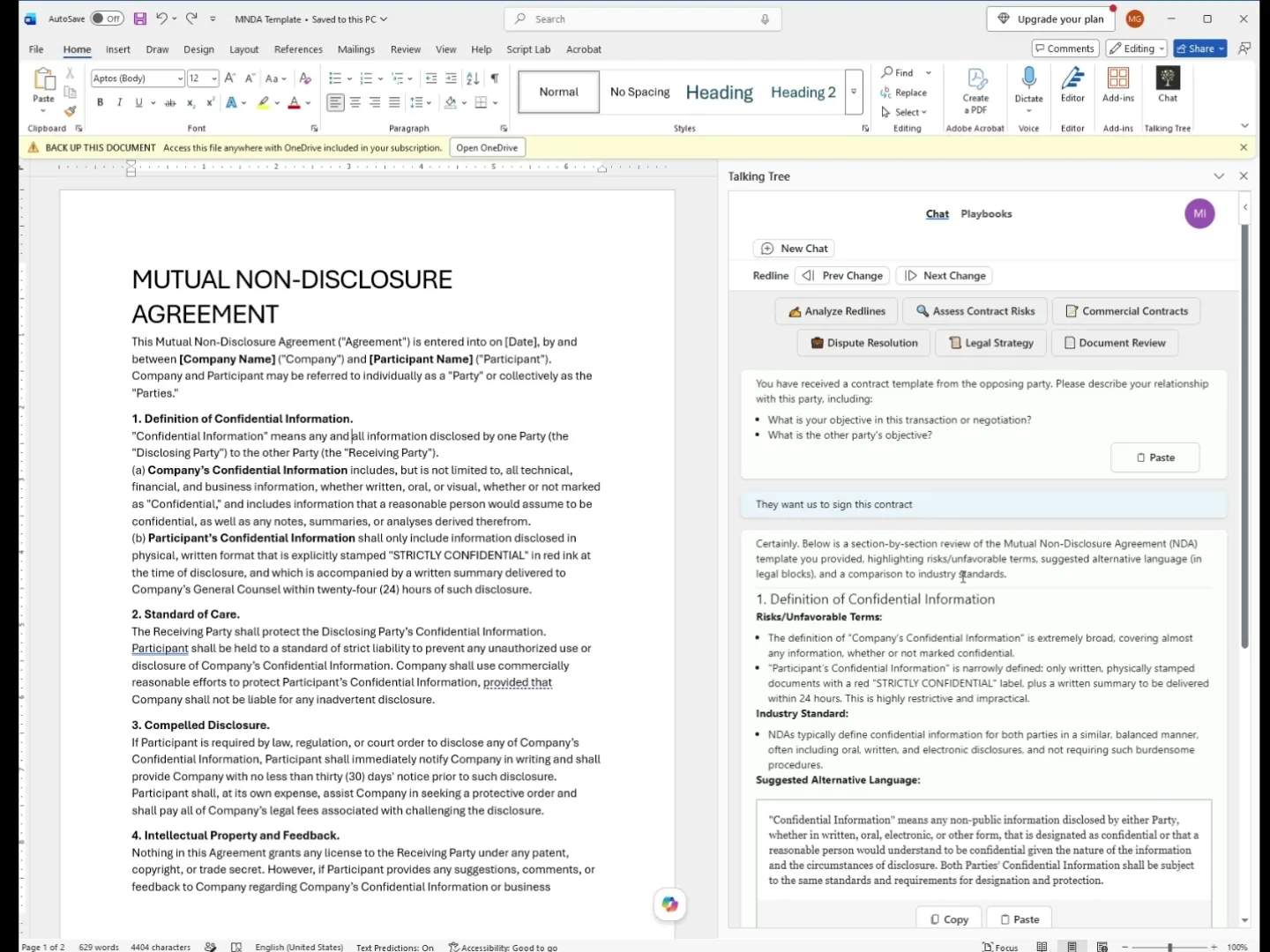
Read the first output section, which flags that the document's definition of "Confidential Information" is one-sided and includes suggested alternative language aligned with industry standards.
10. Review the Standard of Care Section
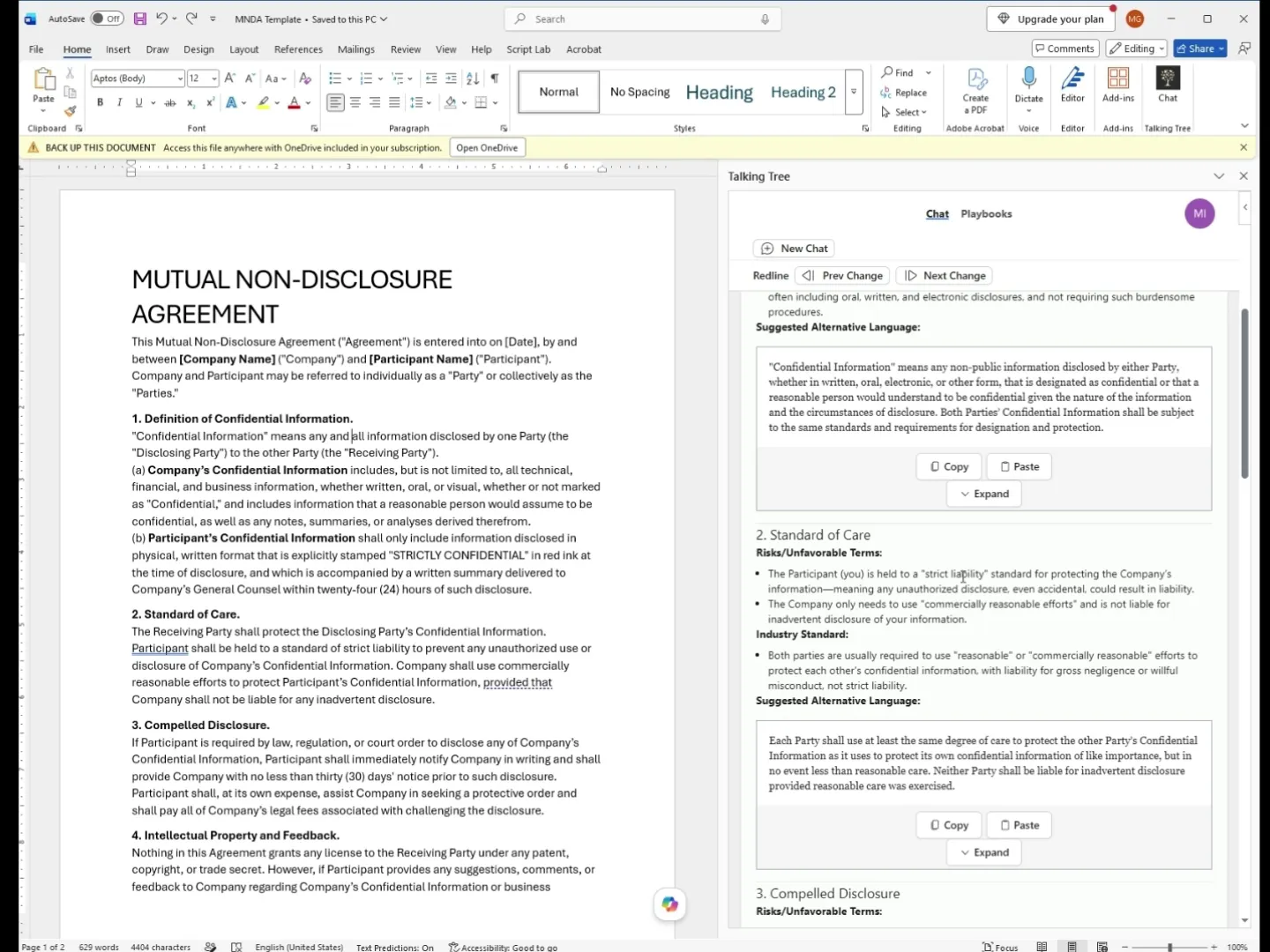
Continue scrolling to see the assessment of the Standard of Care clause, which highlights the unbalanced strict-liability requirement and proposes mutual, reasonable-care language.
11. Review Compelled Disclosure and Feedback Terms
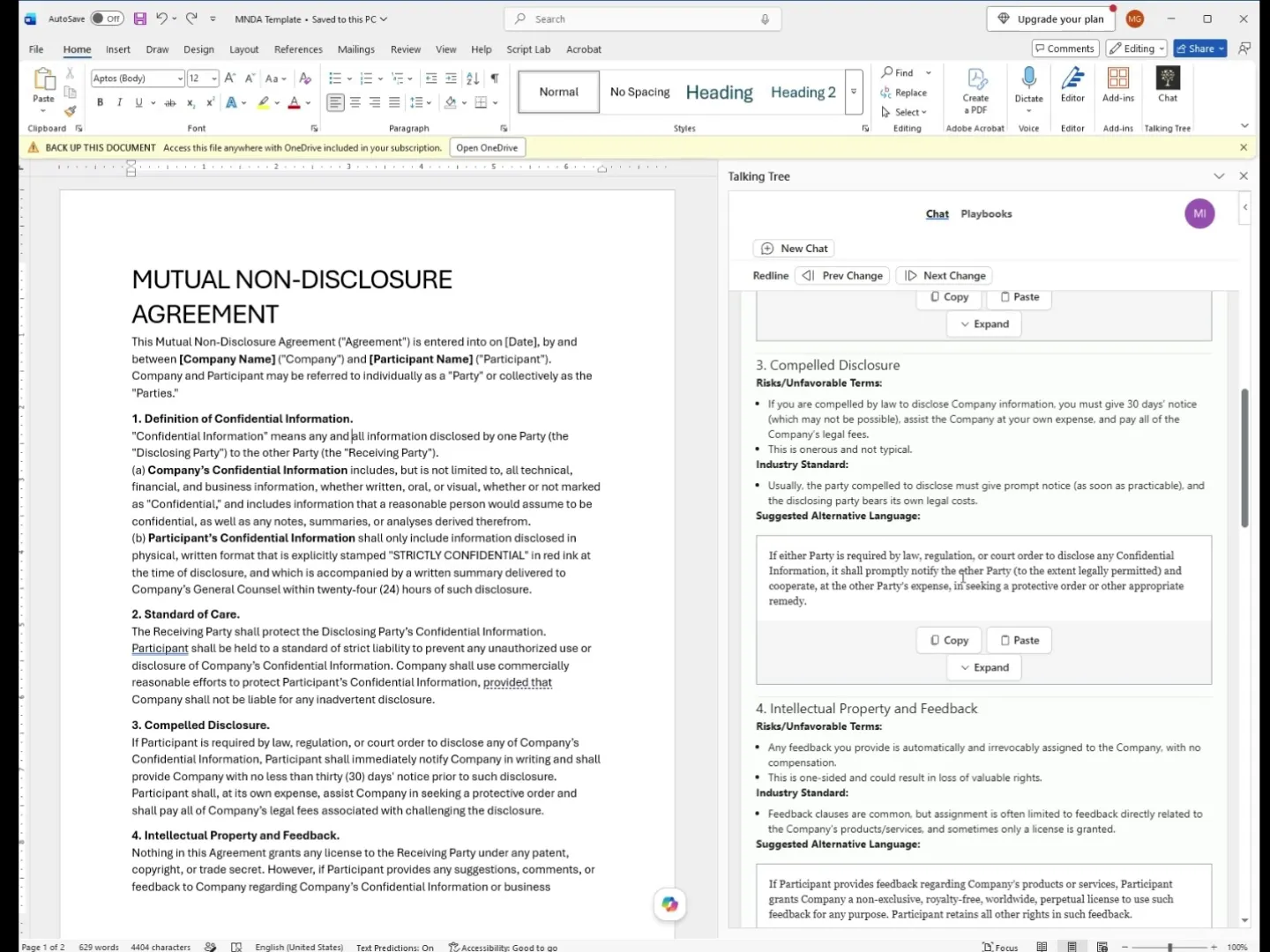
Review the flags on the Compelled Disclosure and Intellectual Property/Feedback clauses, including the onerous notice obligations and the one-sided feedback assignment.
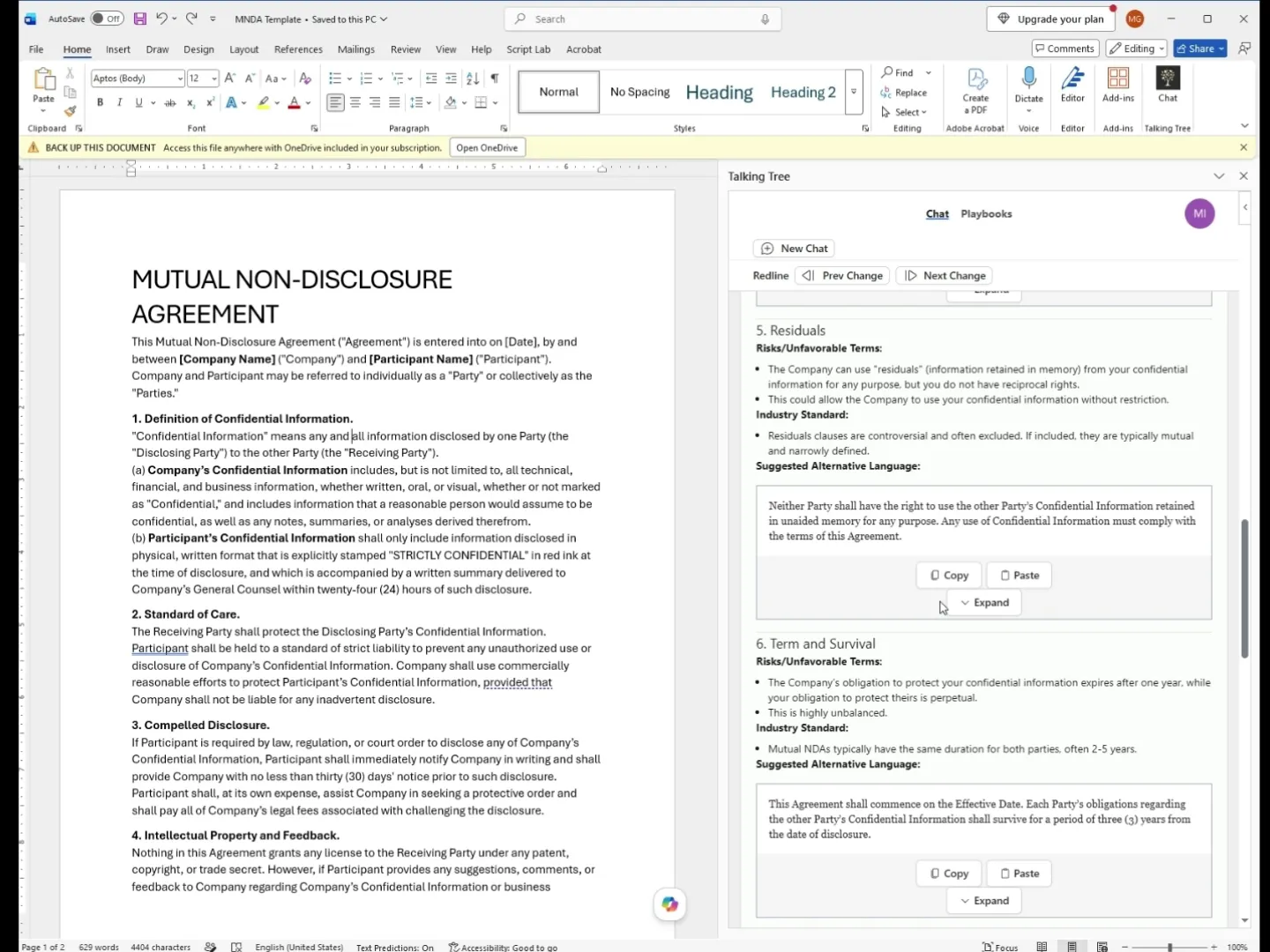
12. Review Residuals and Term Provisions
Check the assessment of the Residuals clause and the Term and Survival section, which points out the unbalanced one-year versus perpetual confidentiality obligations.
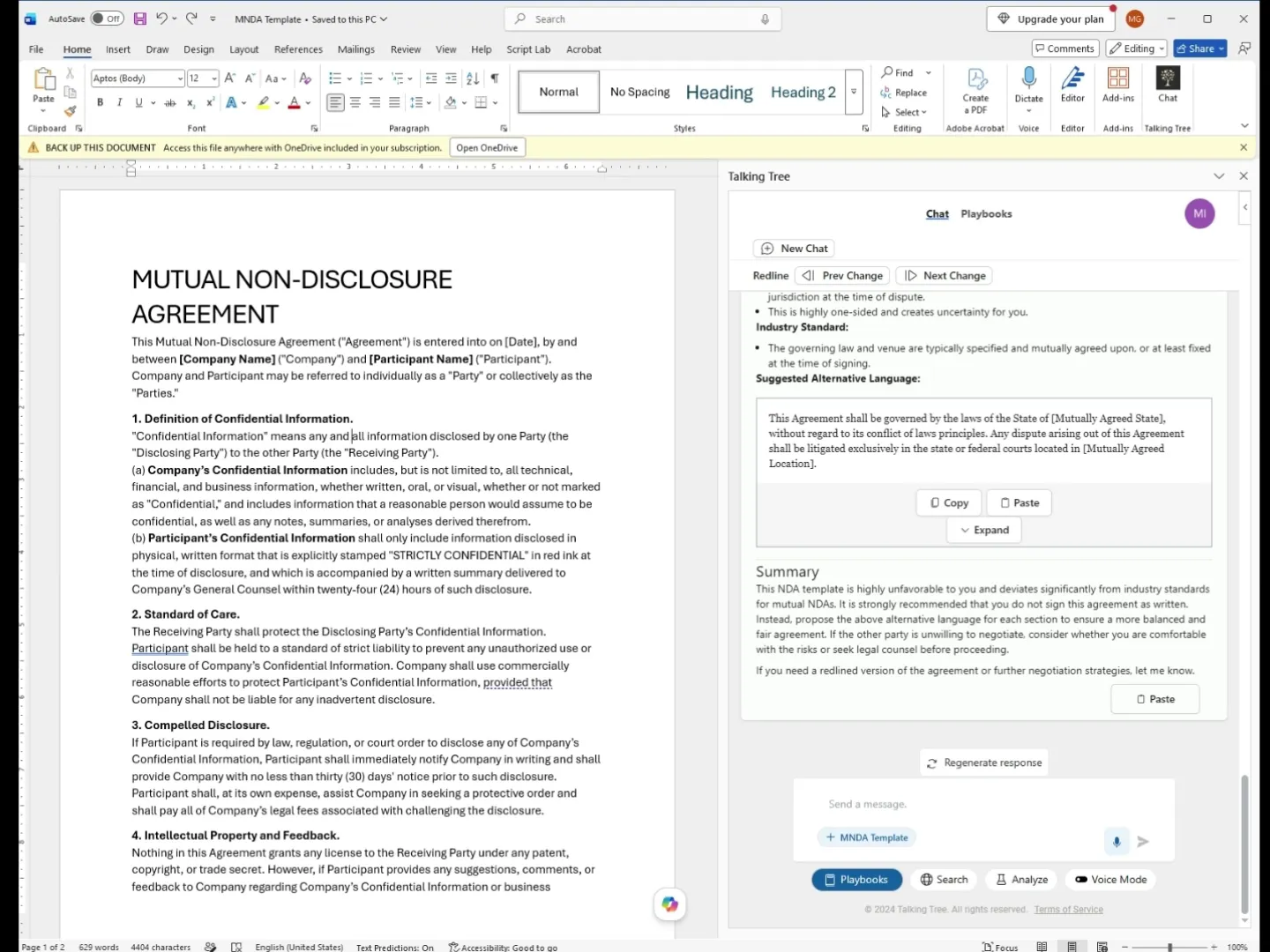
13. Review Indemnification and Governing Law Terms
Review the risk callouts on Indemnification and Liquidated Damages, along with the Governing Law and Venue section, each paired with suggested balanced language.
14. Read the Final Summary and Recommendation
Read the closing summary, which states that the agreement is highly unfavorable and recommends against signing as written, proposing negotiation of the suggested alternative language instead.
Following these steps produces a complete playbook-driven risk assessment of an incoming MNDA directly inside Word, with clause-by-clause flags and ready-to-use alternative language for negotiation.
You’re ready to put this workflow into practice.