
Getting Compliance Guidance from the Talking Tree Repository Agent
1. Open Concierge Mode
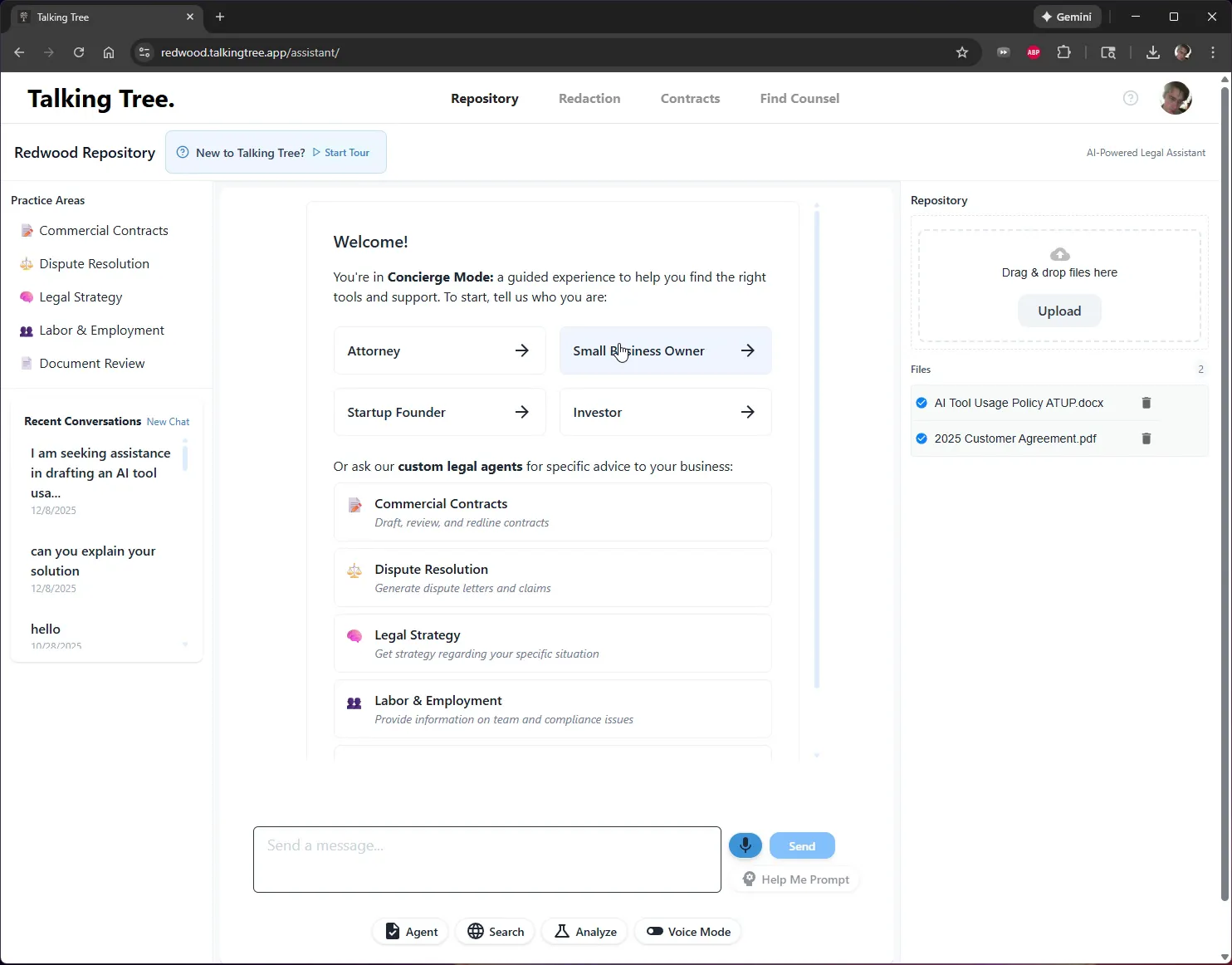
Navigate to the Repository tab in Talking Tree. The AI assistant opens in Concierge Mode, a guided experience that asks you to identify your role before routing you to the right tools and support.
2. Select Your Role
Click Small Business Owner to tell the assistant who you are so it can tailor its guidance and suggested questions accordingly.
3. Choose a Suggested Question
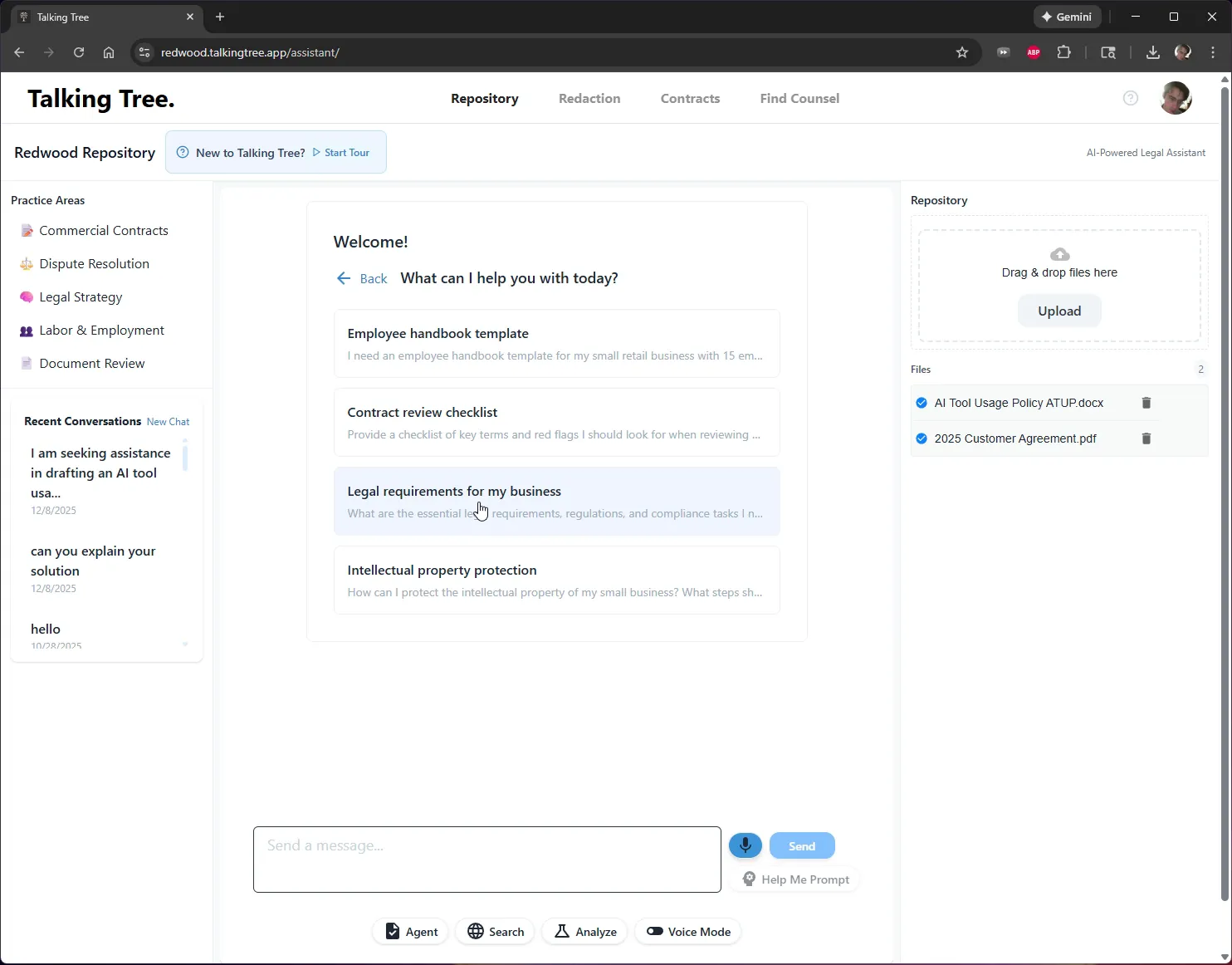
From the list of tailored prompts, select Legal requirements for my business to auto-populate a detailed question about compliance obligations into the message box.
4. Add Business Details
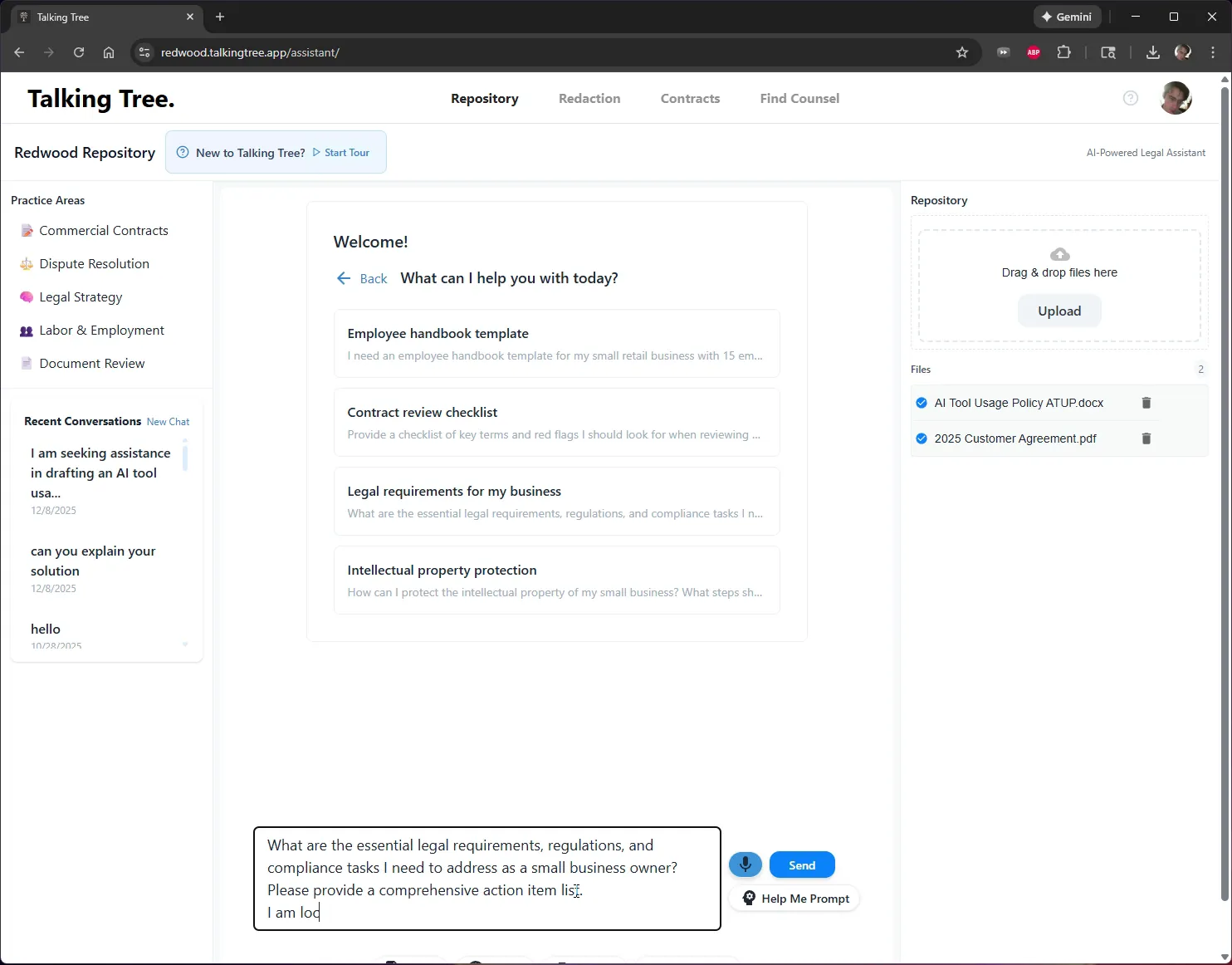
Append additional context to the pre-filled question, such as your business location, so the assistant can give jurisdiction-specific advice. Type "I am located in California."
5. Review the Complete Prompt
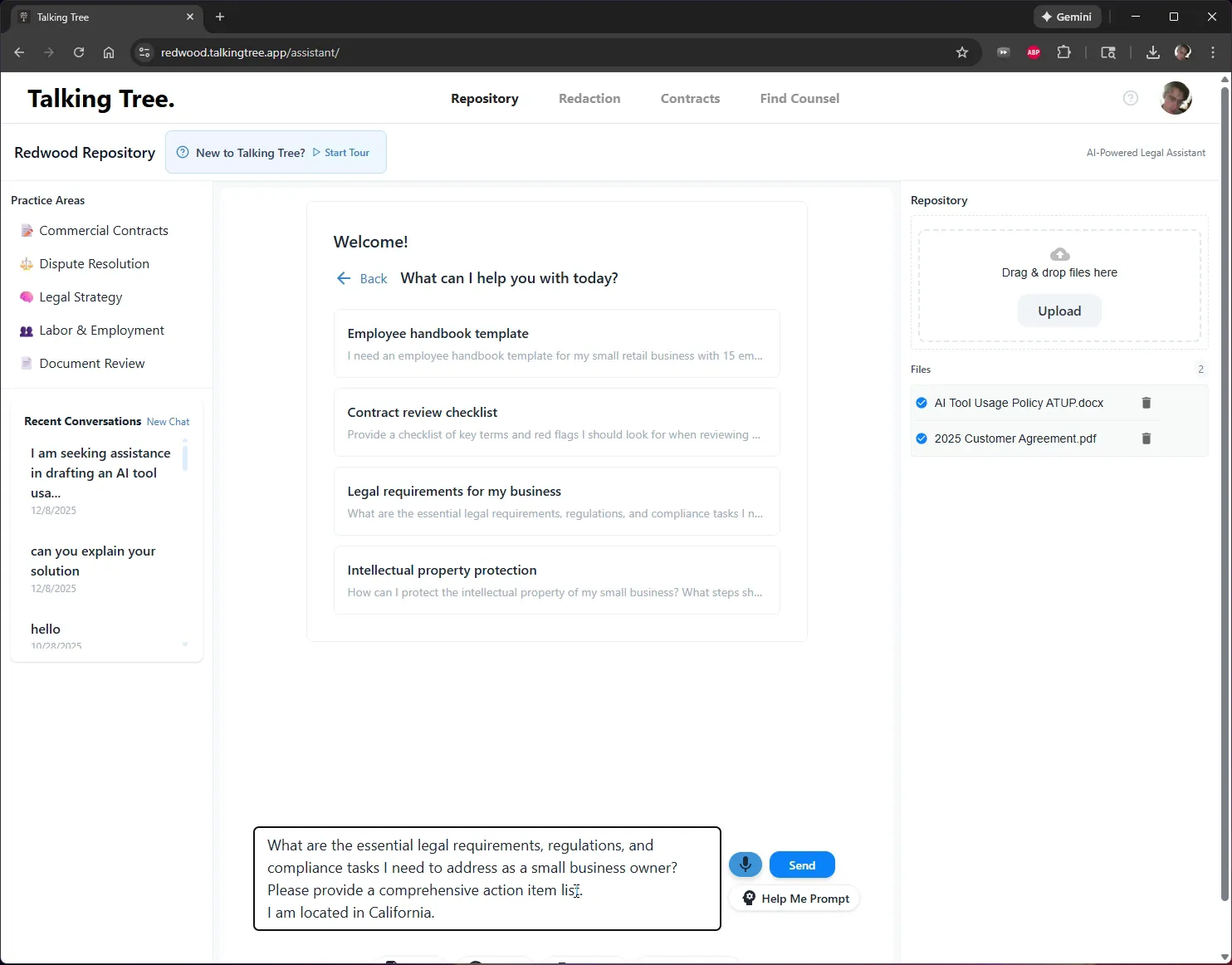
Confirm the full question in the message box reads clearly before sending, including the request for a comprehensive action item list and the specified location.
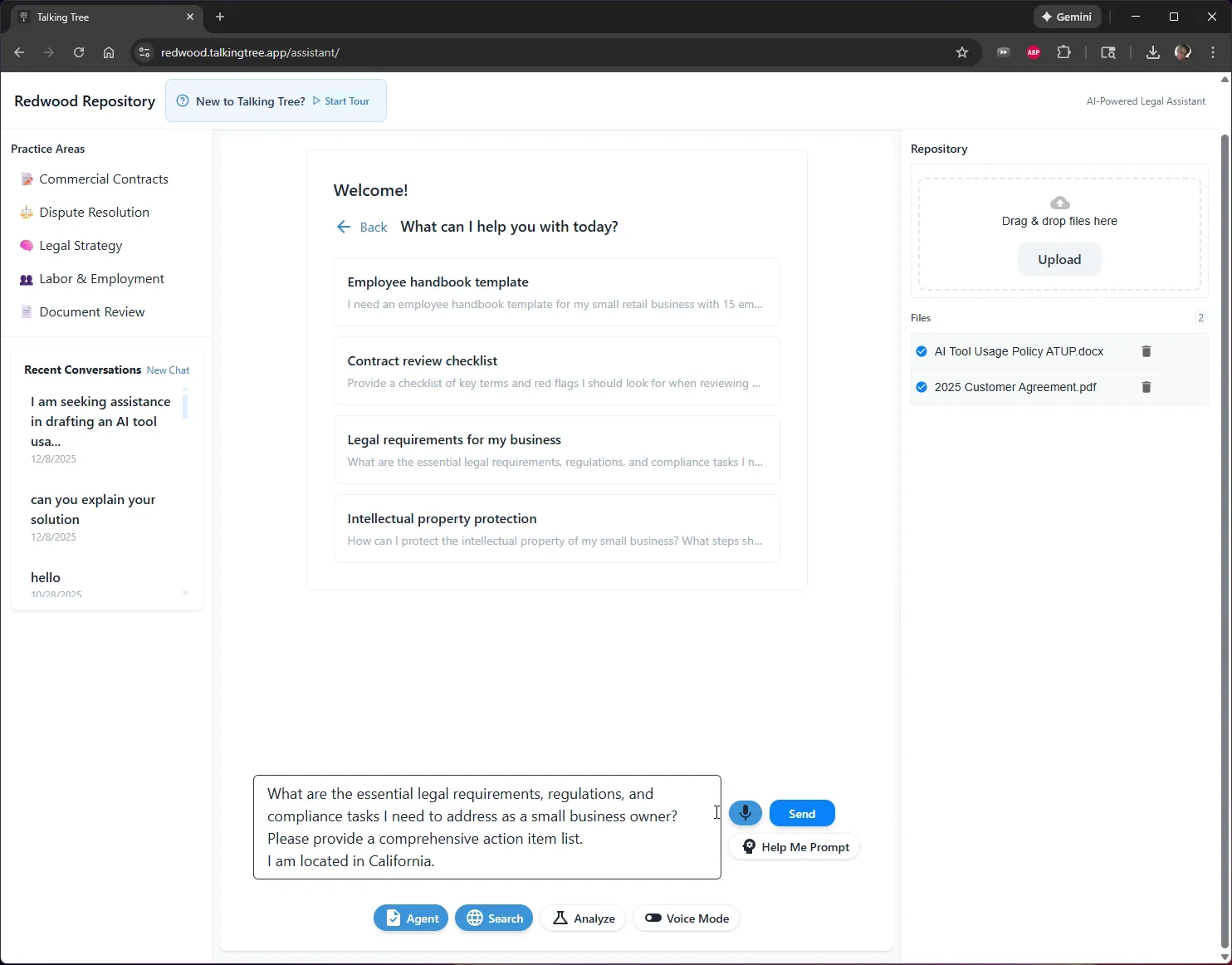
6. Send the Question to the Agent
Click Send to submit the question. The message appears in the chat and the assistant begins processing with a "Thinking..." indicator while it researches the answer.
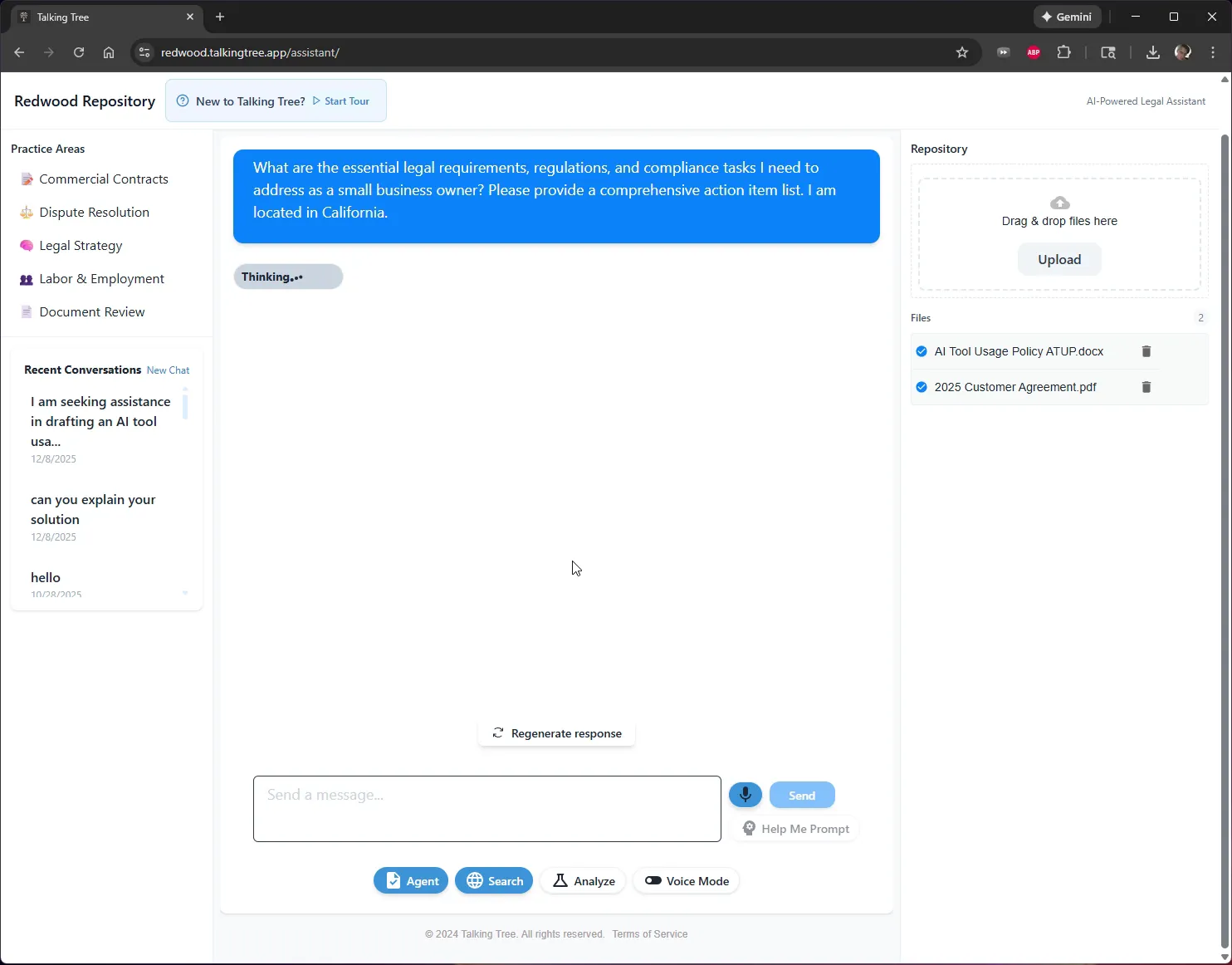
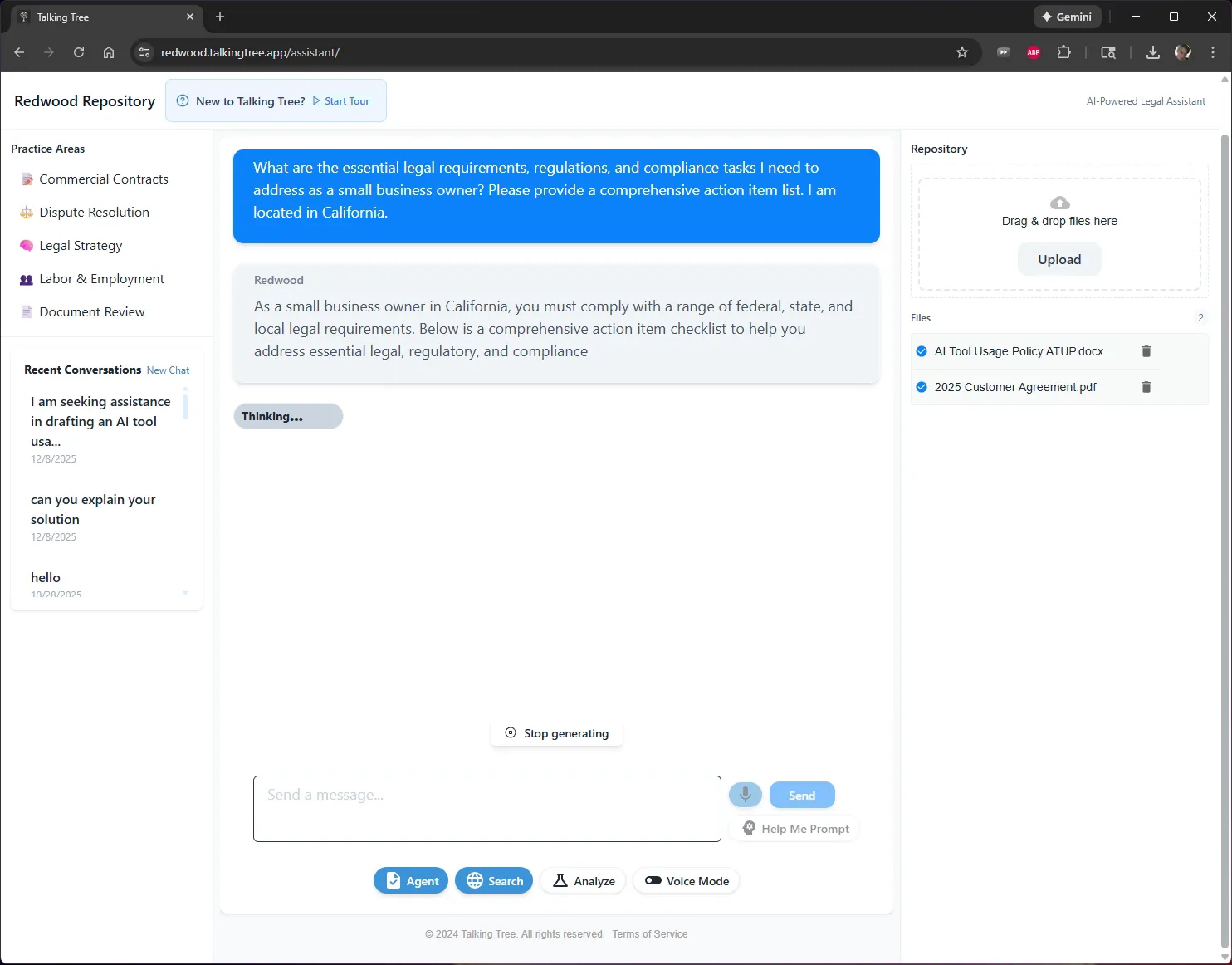
7. Watch the Response Generate
The assistant streams its answer in real time, starting with an overview of the legal requirements, regulatory areas, and compliance tasks relevant to a California small business.
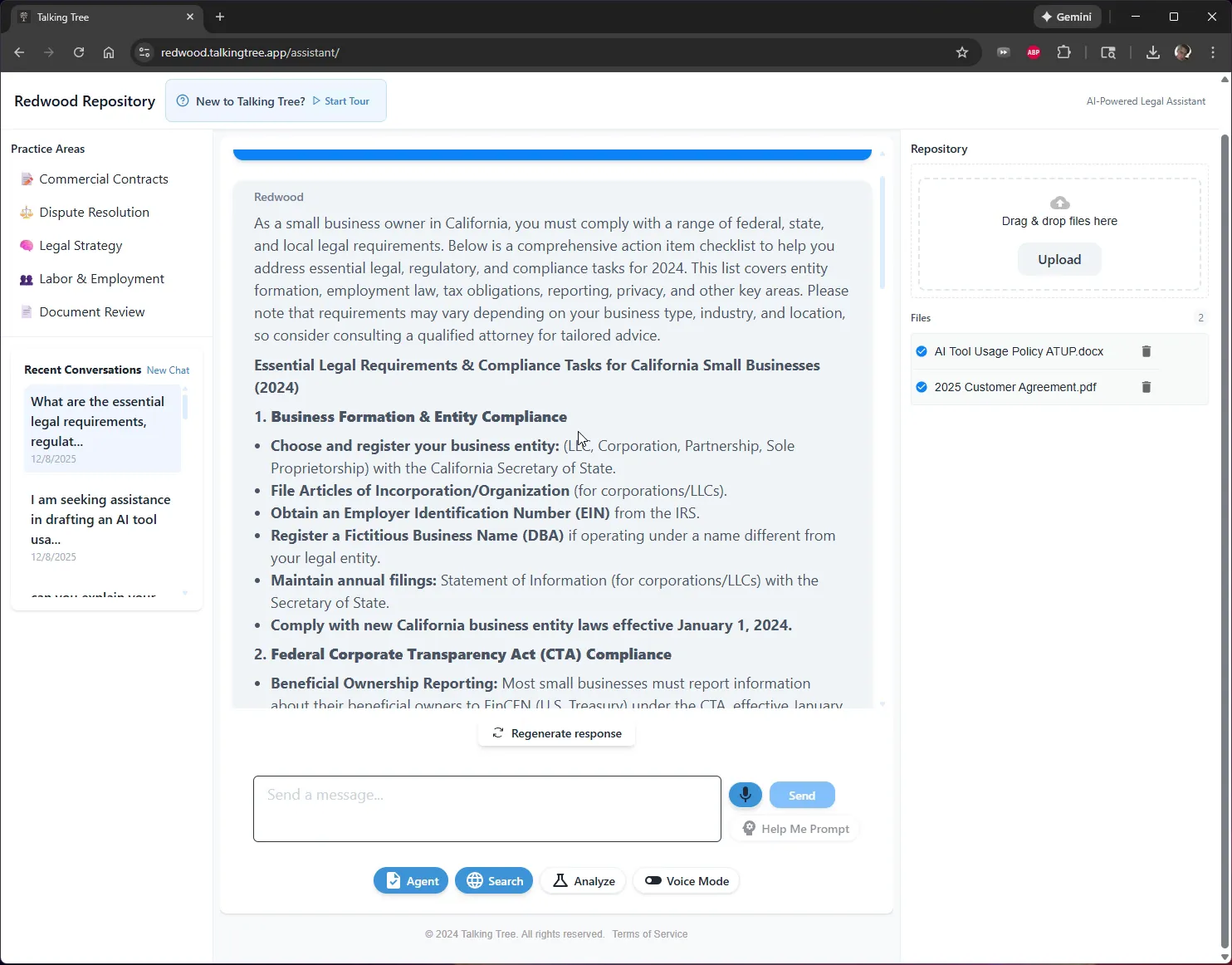
8. Review the Compliance Checklist
Read through the full, organized checklist covering categories such as Business Formation, Federal Transparency Act Compliance, Employment Law, and Tax Compliance, each with specific action items.
9. Review Sources and Export the Answer
Scroll to the bottom of the response to review the Citations listing the sources used, follow the Find Counsel link for personalized legal advice, and use the Copy or Docx buttons to export the checklist.
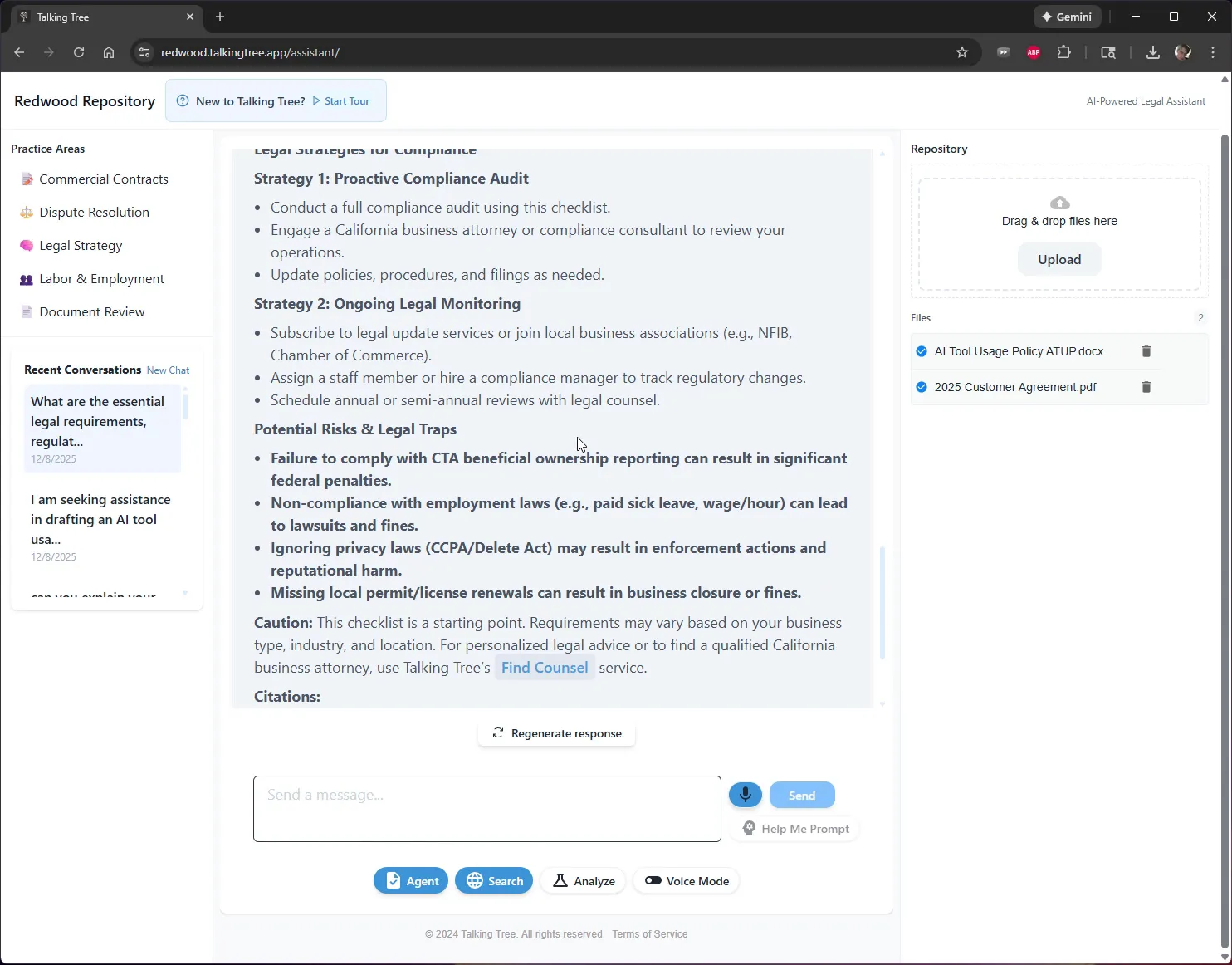
The Repository Agent turns a single natural-language question into a sourced, jurisdiction-specific compliance checklist that can be copied or exported as a Word document for further use.
You’re ready to put this workflow into practice.