
How to Find and Contact Outside Counsel in Talking Tree
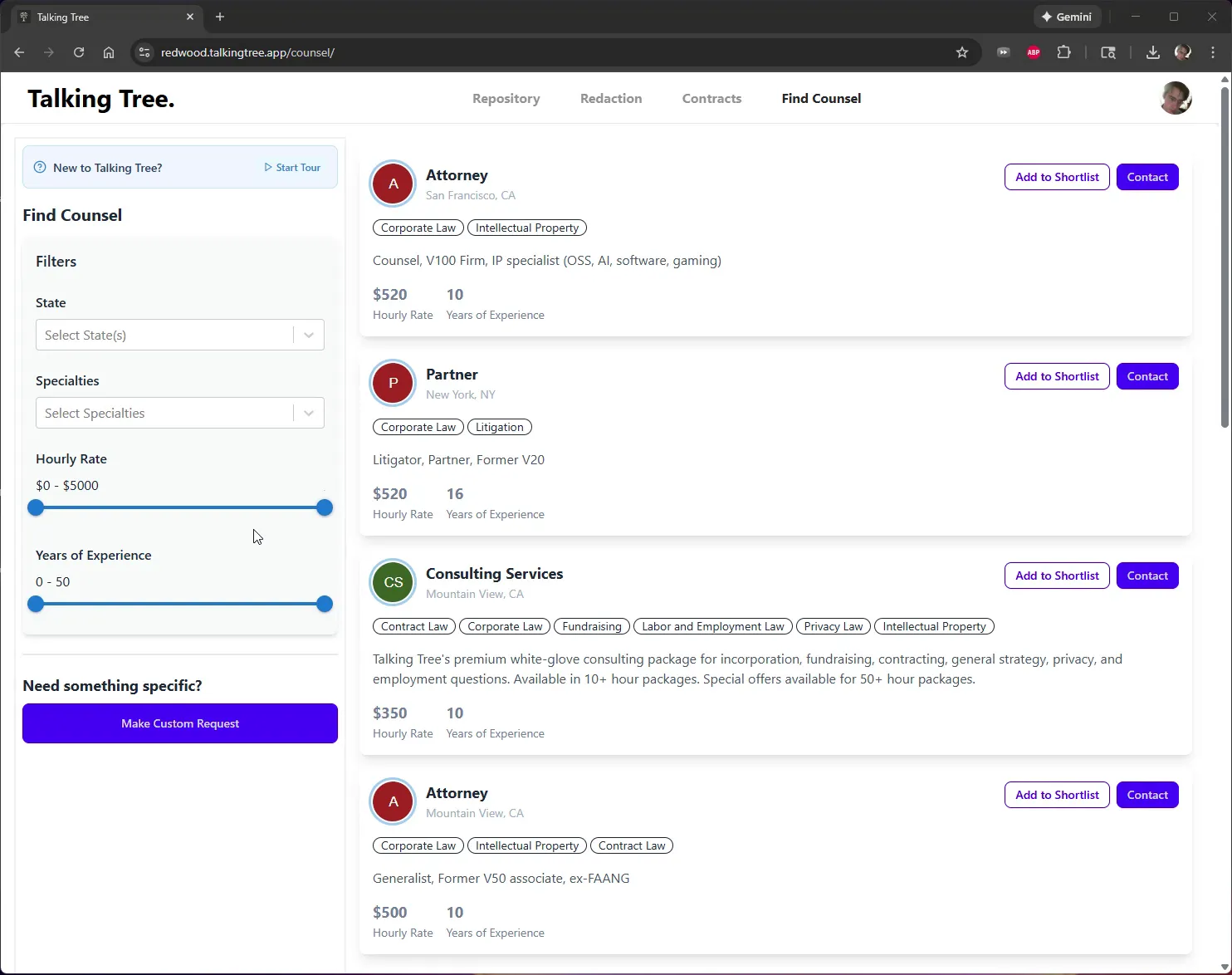
1. Open Find Counsel
Navigate to the Find Counsel tab in the top navigation bar. Browse the list of available attorneys, partners, and consulting services, each shown with their location, specialties, hourly rate, and years of experience.
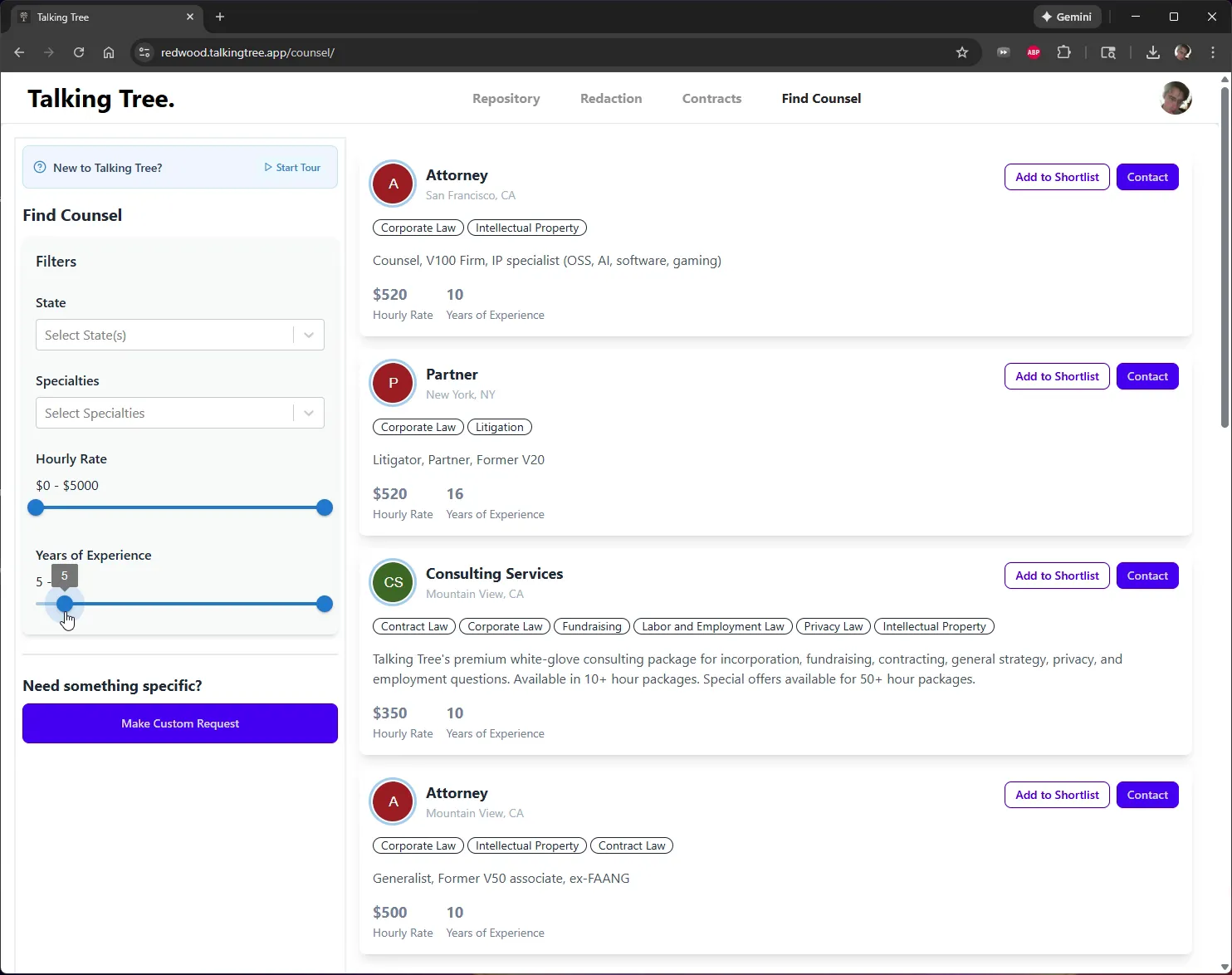
2. Set a Minimum Years of Experience
In the Filters panel, drag the left handle of the Years of Experience slider to set a minimum threshold (for example, 5 years).
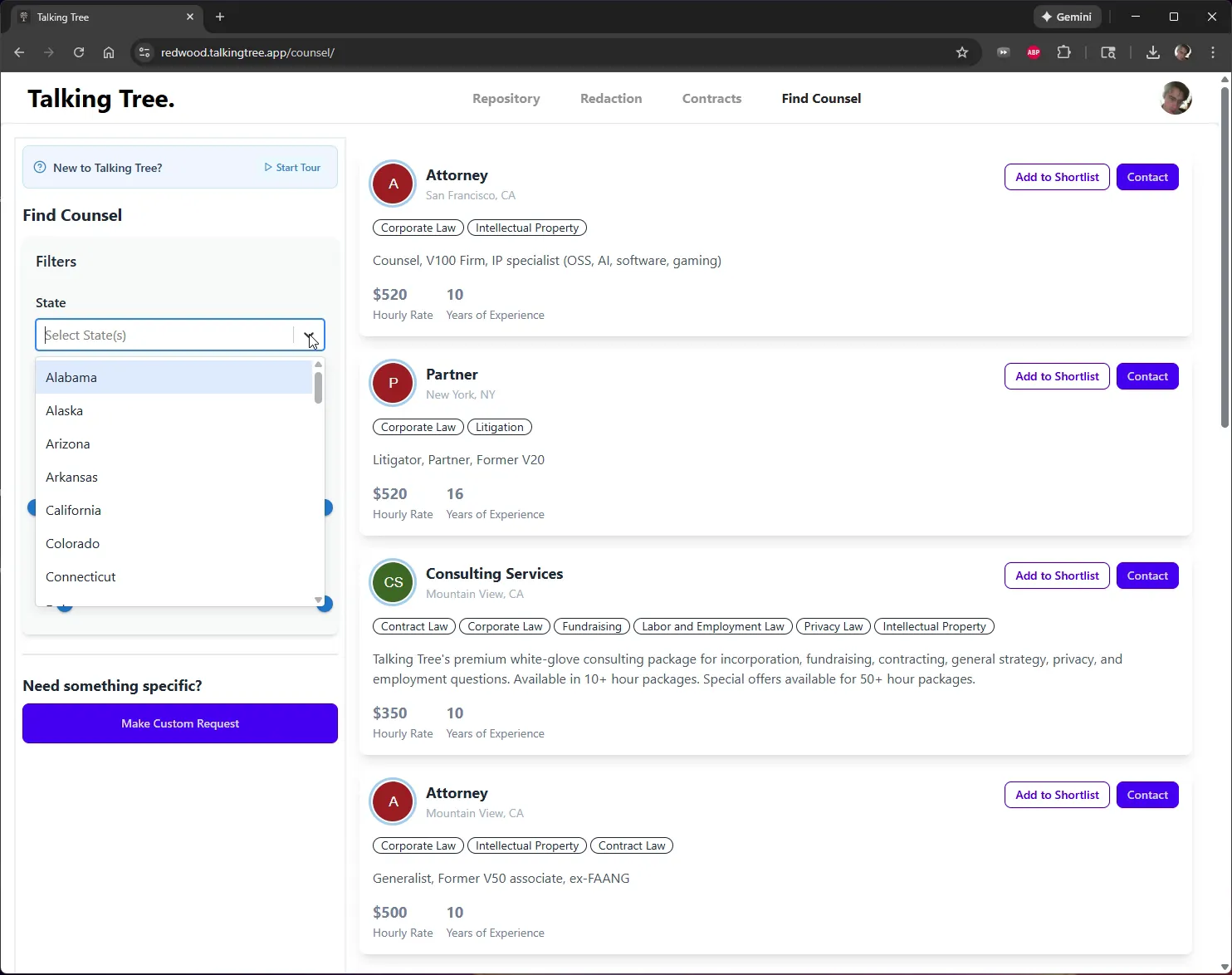
3. Filter by State
Click the State dropdown to open the list of states.
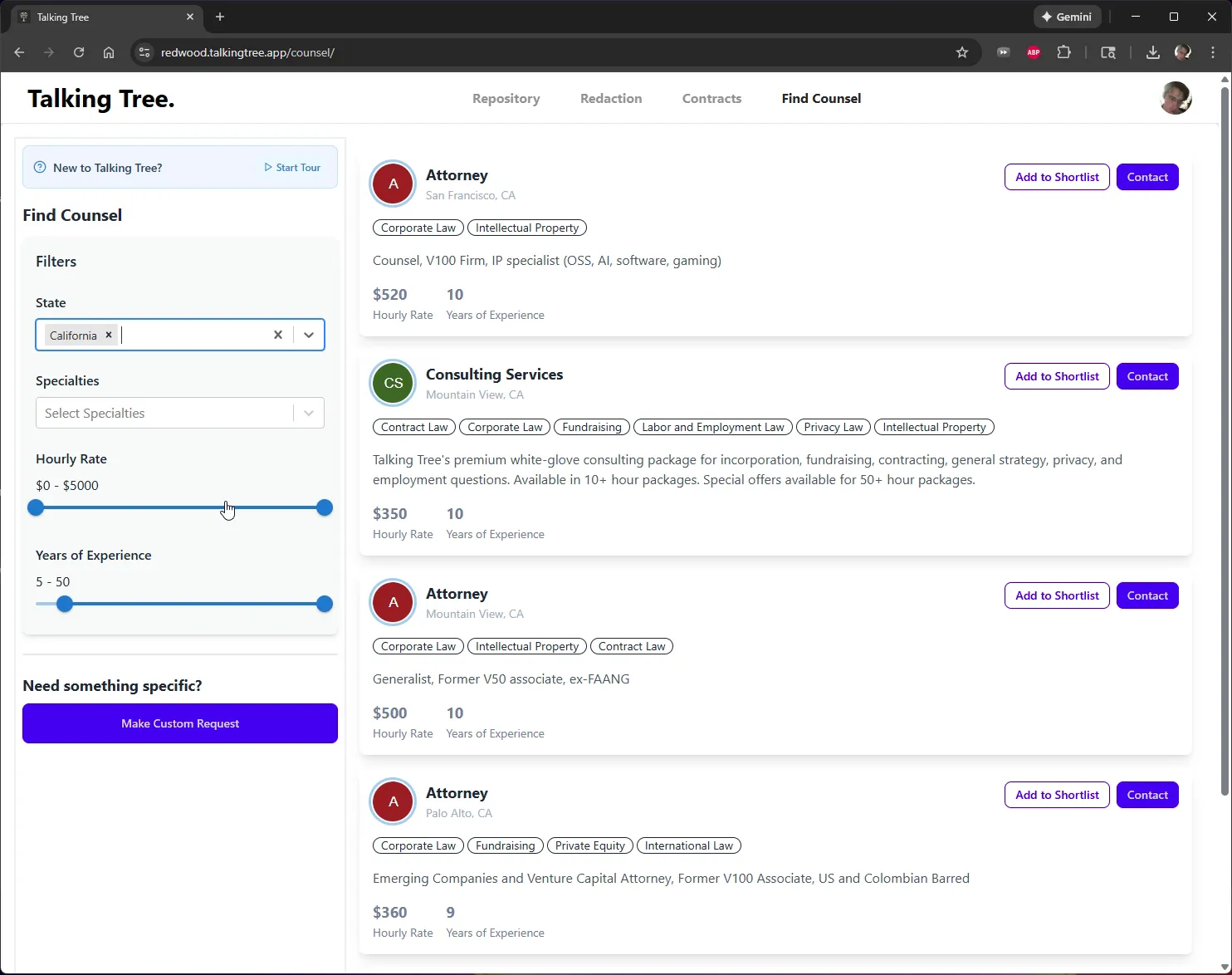
4. Select a State
Choose California from the list. The results update to show only counsel located in that state.
5. Filter by Specialty
Click the Specialties dropdown and scroll through the list of practice areas.
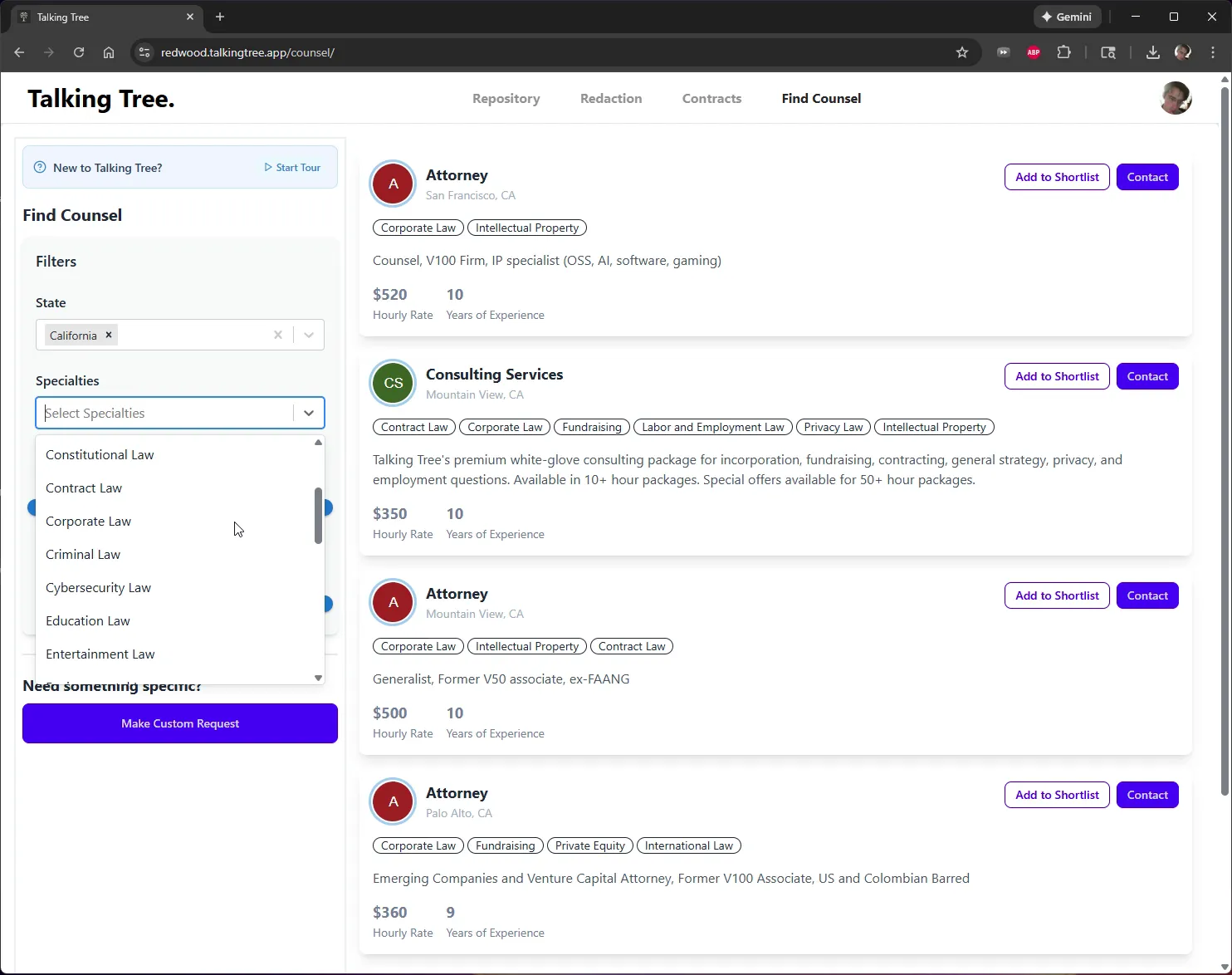
6. Select a Specialty
Choose Labor and Employment Law from the list. The results narrow to the single matching listing.
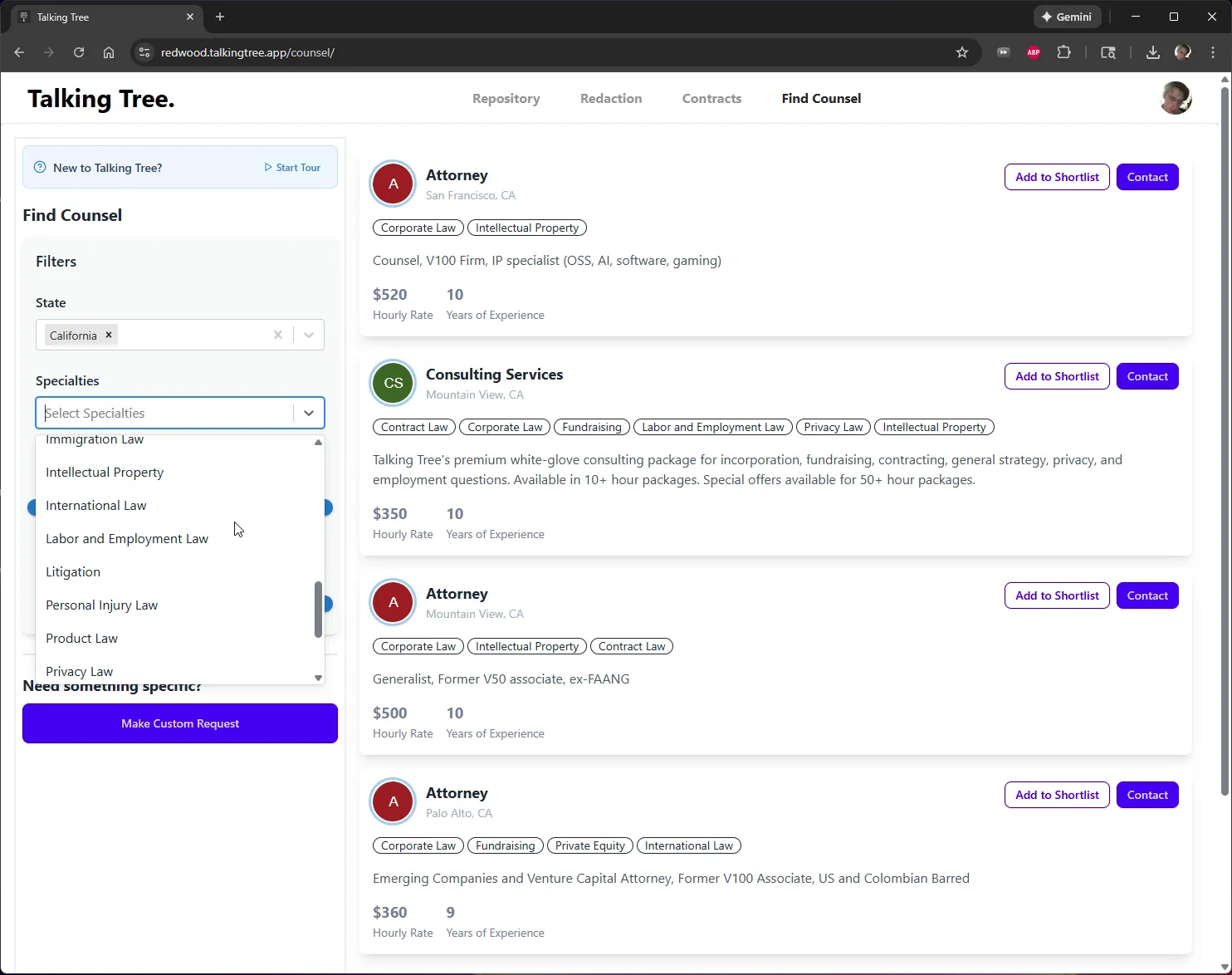
7. Review the Matched Counsel Profile
Review the filtered result's details, including specialties, hourly rate, and years of experience, to confirm it fits your needs.
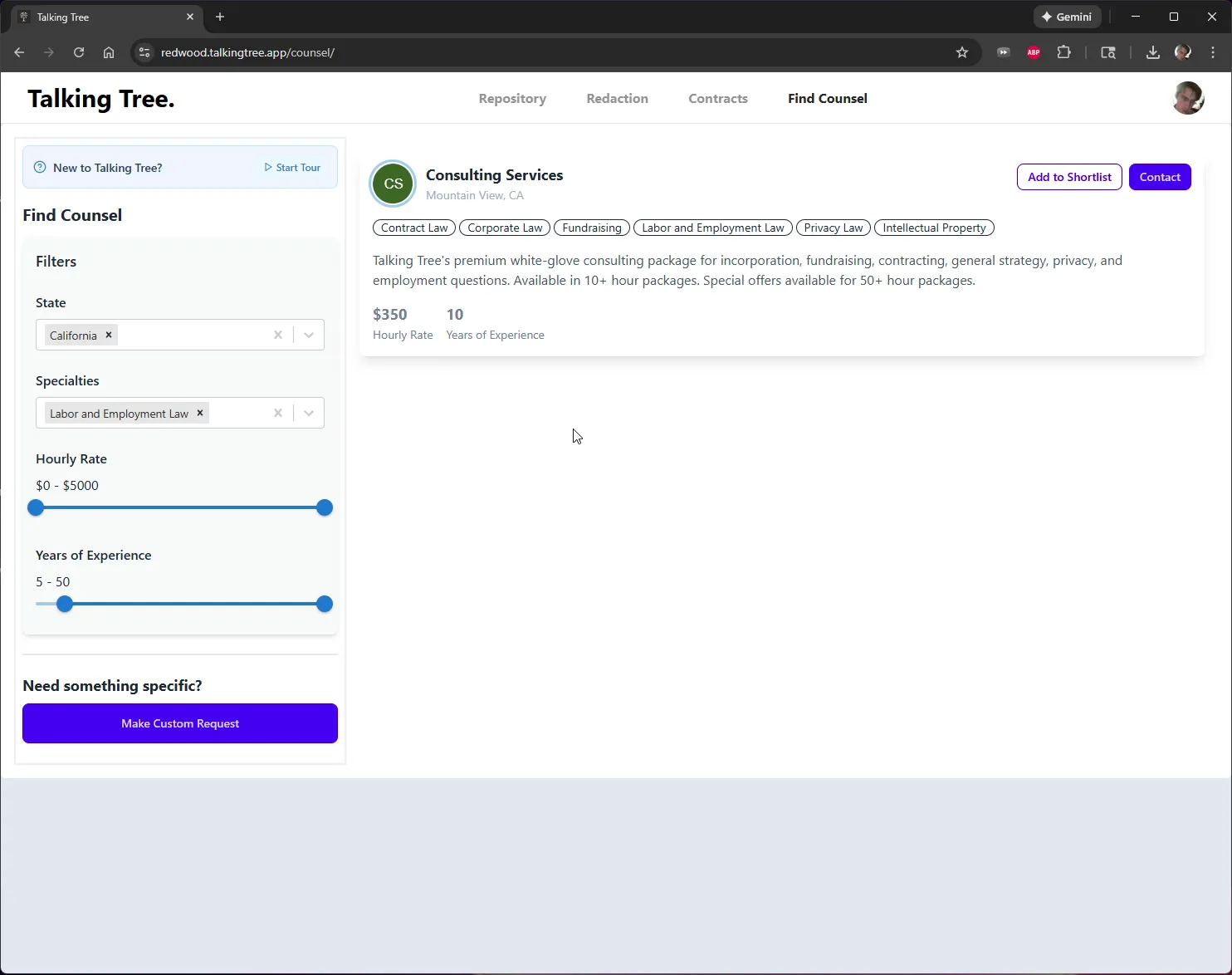
8. Contact the Counsel
Click Contact to reach out to the selected counsel.
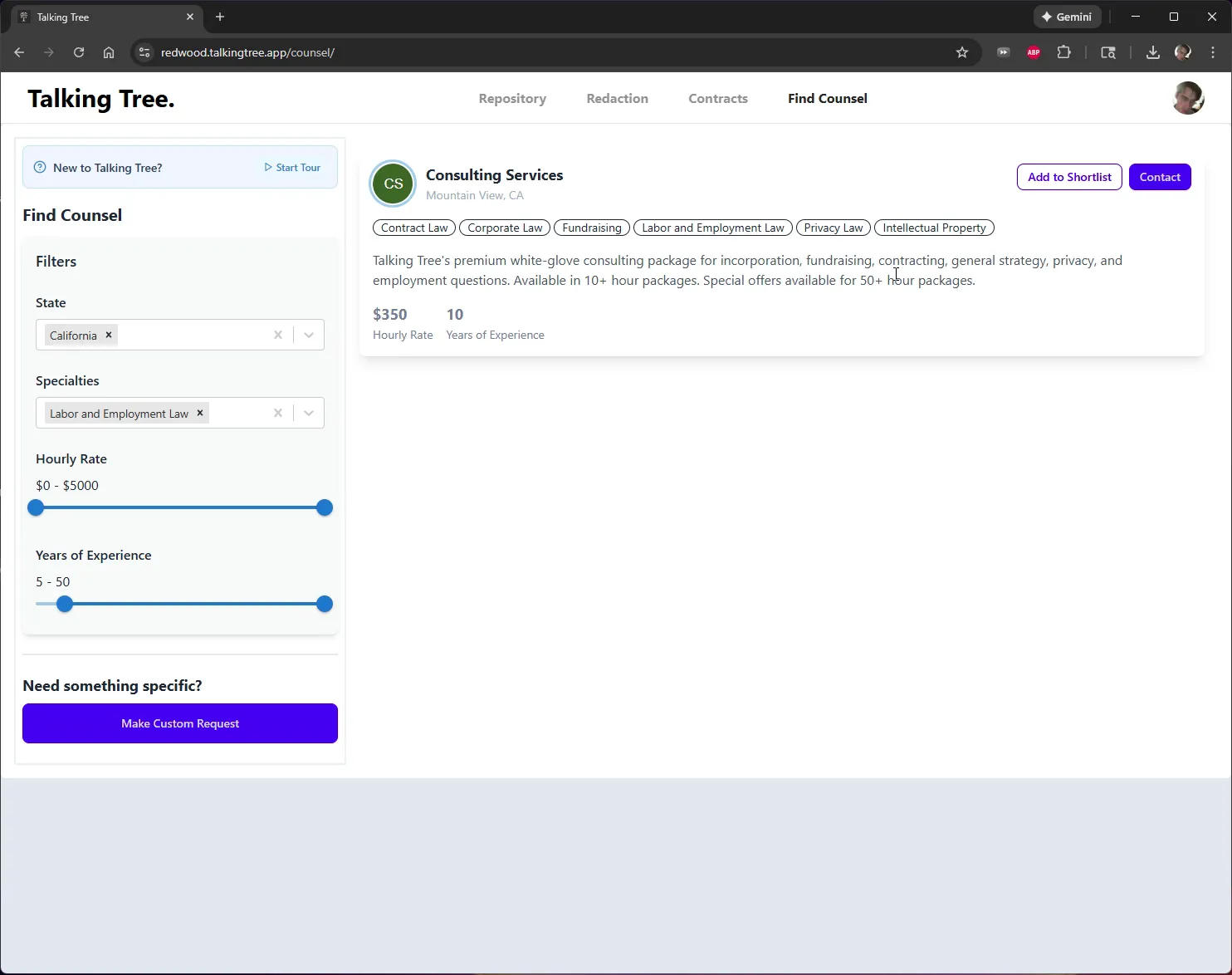
9. Confirm the Contact Request
The Contact button changes to a disabled Contacted state, confirming your outreach was sent.
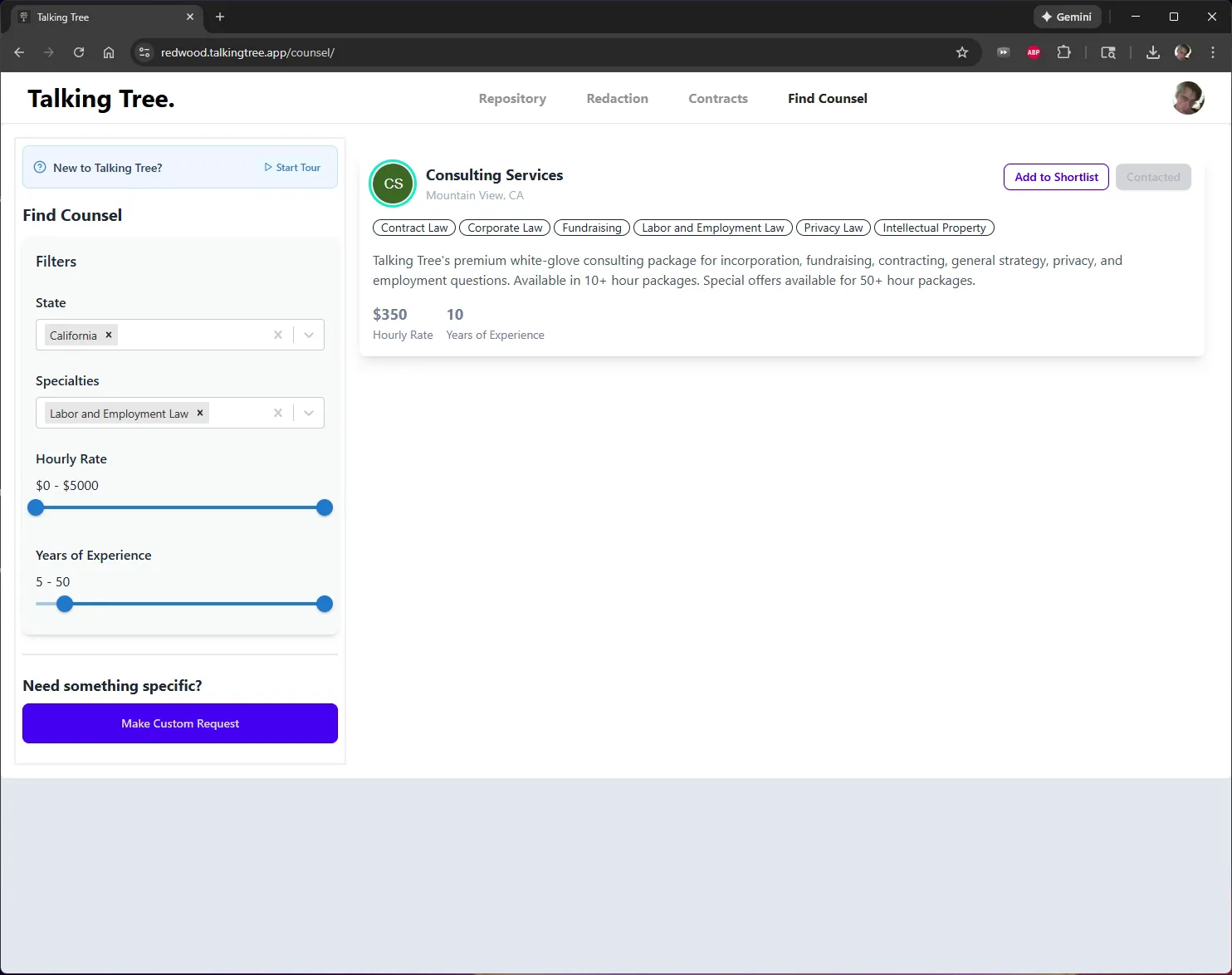
This completes the workflow for filtering the Find Counsel directory by state, specialty, and experience, and sending a contact request to the matched counsel.
You’re ready to put this workflow into practice.